The 25 Best Chrome Extensions That Are 100% Free
25 Chrome extensions with nothing to buy, for reading, studying and focus: YouTube blockers, screenshot tools, tab managers, dark mode and more.
Nov 14, 2026 min read
Read article 46 articles tagged “Chrome Extension”
25 Chrome extensions with nothing to buy, for reading, studying and focus: YouTube blockers, screenshot tools, tab managers, dark mode and more.
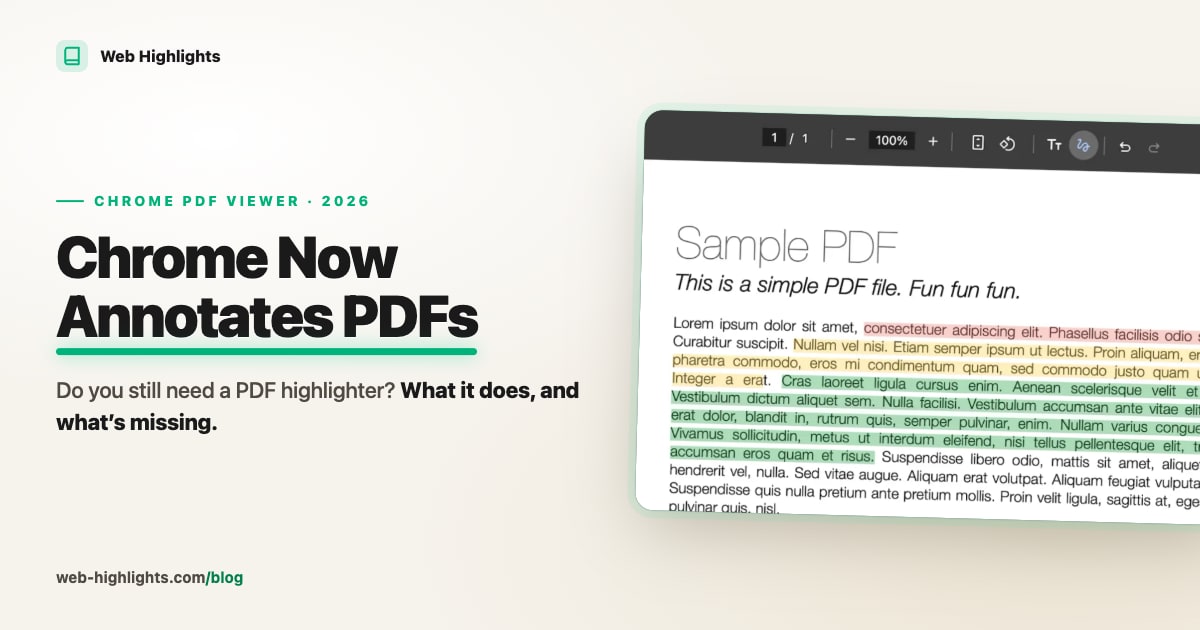
Chrome's PDF viewer can now highlight, draw, add text and sign. Here's what it does well, what's missing, and when a real PDF highlighter is worth it.
Compare the 10 best website blocker extensions for Chrome — LeechBlock NG, one sec, Cold Turkey and more — and how to block a site in Chrome.
Compare the 10 best text to speech extensions for Chrome — GPT Reader, Helperbird, Speechify, Read Aloud and more — by free tier, voices and privacy.
Microsoft removed Collections in Edge 149. Here’s where your saved pages went, how to get them back, the unofficial flag that restores the feature for now, and what to use instead.
Omnivore shut down in November 2024. Here are the best alternatives — Readwise Reader, Instapaper, Raindrop, Matter, Wallabag and Web Highlights — with prices, free plans and who each one fits.
Looking for a cheaper Readwise alternative? An honest comparison of Web Highlights and Readwise Reader: price, highlighting, PDFs, flashcards vs daily review, exports — and what Readwise does better.
Looking for a Glasp alternative? An honest comparison of Web Highlights and Glasp: private highlights, PDFs, AI, flashcards, exports and price — and what Glasp still does better.
Chrome for Android can't run extensions, but Edge, Firefox, Vivaldi and a few other browsers can. Here's which ones, how to install extensions on your phone, and what happened to Kiwi.
Safari on iPhone runs extensions from the App Store, Chrome and Edge for iOS run none, and Orion loads some Chrome extensions in beta. Here's how to install them and what actually works.
Compare the 11 best SEO extensions for Chrome — Detailed SEO, Ahrefs, Ubersuggest and more — on data, free limits and privacy.
Compare the 10 best PDF extensions for Chrome — Web Highlights, Smallpdf, Adobe Acrobat, Kami and more — for reading, editing and signing.
Compare the 10 best video downloader extensions for Chrome — FetchV, CocoCut, Video DownloadHelper and more — for m3u8 streams and reliability.
Compare the 10 best email finder extensions for Chrome — Hunter, Snov.io, Apollo and more — on what users report about accuracy, credits and bounces.
Compare the 12 best Chrome bookmark manager extensions — Web Highlights, Raindrop.io, Session Buddy, Toby and more — ranked by score, with a clear top pick.
Compare the 11 best Chrome language learning extensions — popup dictionaries, AI translators, subtitle tools and flashcard trainers, rated and ranked.

Discover the best AI Extensions for Chrome ranked by recent reviews to reveal real quality and surface smaller Extensions.

Best Chrome VPN extensions compared: 13 popular picks, each with its Tooltivity score. See how NordVPN, Browsec, Planet VPN and others score on store ratings and recent reviews.

Get 37x more reviews than Grammarly with this simple strategy. Learn the Win-Ask Method to boost your Chrome extension ratings and user engagement.

Discover the best Reader Mode Chrome extensions for distraction-free reading. Compare features like dark mode, highlighting, notes & customization.
Discover the key differences between Raindrop and Web Highlights, two powerful tools for bookmarking, annotating, and organizing online content.
Find out why Chrome turned off your extension, what it means for you, and how to choose the best alternative.

The 5 best note-taking browser extensions in 2026, re-checked in October: what each one does, who it’s for, and which ones are still maintained.
Learn how to use productivity tools like Web Highlights to increase your productivity. Organization with tags, take notes and optimize online learning.

Capture and save content with the top web clippers for Chrome. See the 16 best extensions, ranked by score, to keep your online resources organized.