Flashcard Generator

Make flashcards from any website, YouTube video, or PDF. The free AI flashcard generator writes questions and answers on your device — private, no signup.

This tool works best with publicly accessible articles. For content behind login screens or paywalls, install our free browser extension.

Free: one deck per day. A long page is read from its opening section.

Free: one video and one deck per day. The video needs captions.

Drag & drop a PDF here

or click to choose a file (max 30 MB)

Your PDF is stored temporarily and deleted after 1 hour unless you create a free account to keep it.

Free: one deck per day. A long document is read from its opening pages.

Three Sources, One Generator

Pick where your study material lives — a web page, a YouTube video, or a PDF — and get question-and-answer cards from it in one flow.

Nothing Leaves Your Device

Card writing happens with your browser's built-in AI, locally. What you study stays between you and your computer.

Your Cards, Your Wording

Change questions, sharpen answers, or throw out cards before saving the deck — the AI drafts, you decide.

Reviews at the Right Time

Saved decks plug into spaced-repetition sessions that resurface each card just before you'd forget it.

Costs Nothing to Try

No account, no trial timer. An account is only worth creating once you want decks and progress synced across devices.

Built Around Exams

Lecture recordings, textbook chapters, documentation — whatever the test covers, there's a tab for the format it comes in.

How to Make Flashcards

  1. 1

    Choose Your Source

    Switch to the tab that matches your material: paste a website URL or YouTube link, or upload a PDF from your device.

  2. 2

    Let the AI Draft the Deck

    The content opens in a clean reader or viewer, and on-device AI writes question-and-answer cards from it while you watch.

  3. 3

    Curate and Save

    Keep the cards that earn their place — tweak wording, drop the rest, and store the deck in your Flashcards library.

  4. 4

    Study on a Schedule

    Run spaced-repetition sessions so every card comes back at the moment it's about to slip away.
Frequently Asked Questions

Is this flashcard generator really free?
Yes — one generated deck per day costs nothing and needs no account. Signing up (also free) keeps your decks and learning progress synced across devices.
What can I turn into flashcards?
Public web pages, YouTube videos that have captions, and PDFs with selectable text. Pages behind logins or paywalls and scanned PDFs without a text layer won't work.
How does the AI flashcard generator work?
Your source opens in a distraction-free reader or viewer, and the browser's built-in AI reads the text and drafts question-and-answer pairs from it. Everything runs locally — the content is never sent to our servers.
Can I change the generated cards?
Yes — treat each card as a first draft. Rewrite the question, adjust the answer, deselect what you don't need, and set the deck size before saving.
Why is nothing generated for me?
The built-in AI requires Chrome 138+ or a recent Edge, and its first use downloads a model of roughly 3–4 GB (Chrome also wants about 22 GB of free disk space as headroom before starting). Update your browser, keep the tab open during the download, or consult our troubleshooting guide.
What happens to an uploaded PDF?
It's stored temporarily so the viewer can display it and is removed after 1 hour unless you sign up. The card generation itself happens on your device.
How is this different from making flashcards by hand?
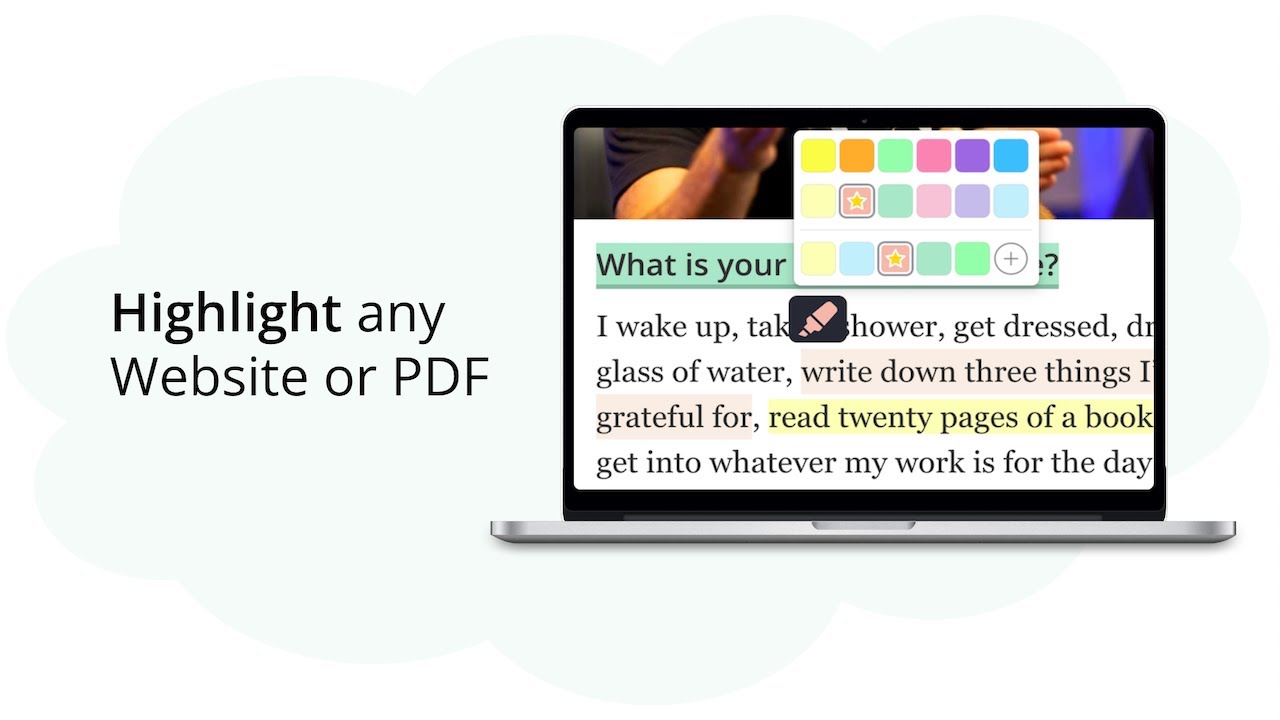
Writing cards manually is valuable but slow. Here the AI does the first pass and you do the editing — you get the learning benefit of reviewing every card without starting from a blank page. You can also highlight as you read and turn individual highlights into cards with the Web Highlights extension.