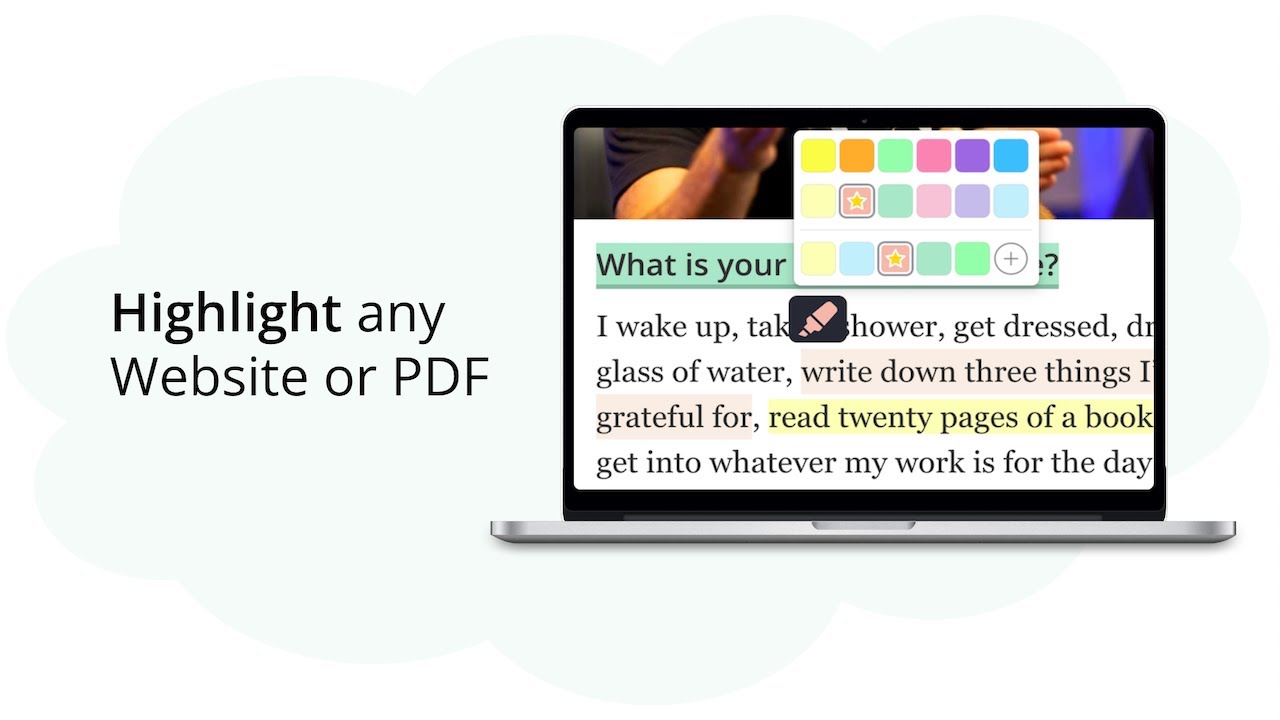
Empower your Knowledge Journey | Web Highlights - PDF & Web Highlighter
Web Highlights is a productivity highlighter Chrome Extension for any Website or PDF. It's free and easy to use without signing up.Get the Chrome extension h...
Paste a YouTube link and turn the video into study flashcards in seconds. On-device AI writes the questions and answers — free, private, no signup.
Or try one of these example videos:
Free: one video and one deck per day. The video needs captions.
Paste a link and get a ready-to-study deck drawn from the video's transcript. The video needs captions, and it works for talks and lectures of any length.
The cards are written by Chrome's built-in AI, which runs on your own computer. The transcript stays with you — nothing is sent to a server to be turned into cards.
Every card is a draft. Reword a question, fix an answer, or drop a card you don't need — then keep the deck.
Turn the deck into a learning session that schedules each card for review at the right time, so what you watched actually sticks.
Generate a deck without creating an account — one video and one deck per day. Sign up to keep your decks and progress — syncing them across devices is free for your first 7 days and part of the paid plans after that.
Great for recorded lectures, conference talks, tutorials and course videos — anything you watched once and want to remember.
Copy the video URL and paste it above. A normal watch link, a youtu.be short link or a Shorts link all work.
The video opens in a reader with its transcript beside the player — readable, highlightable text instead of 40 minutes of talking.
On-device AI turns the transcript into question-and-answer flashcards. You watch them appear and choose how many to make.
Save the deck and start a spaced-repetition session, so the scheduler brings each card back right before you'd forget it.

