If you want a cheaper Readwise alternative for highlighting web pages and PDFs, Web Highlights covers that part for free, and its paid plan costs about half of Readwise. What it doesn’t replace is Readwise Reader as a reading app: RSS feeds, newsletters, EPUBs, text-to-speech and iPhone and desktop apps are Readwise’s home turf, and if you use them every day, Readwise is worth its price.
Full disclosure: I built Web Highlights. The Readwise reviews linked below live on Tooltivity and Productivity Apps, which are run by my company too. Readwise’s prices and features in this article come from their own pricing and product pages, checked on October 6, 2026.
- Readwise has no free plan: Lite is $5.59/month and Full (with Reader) is $9.99/month, both billed yearly, after a 30-day trial.
- Web Highlights is free for highlighting, notes, PDFs and flashcards. Syncing across devices starts at $56.99/year.
- Pick Readwise for a full reading app: feeds, newsletters, ebooks, audio and apps on every platform.
- Pick Web Highlights to highlight where you already read — any website or PDF — and turn it into flashcards, without a subscription.
What is Readwise, and what does it cost?
Readwise is really two products. The original Readwise collects highlights from everywhere — Kindle, apps, the web — and brings them back in a daily review. Readwise Reader is their read-it-later app, where you save articles, PDFs, newsletters, RSS feeds, YouTube videos and EPUBs and highlight them in one place.
Here’s what their pricing page shows (October 2026):
- Readwise Lite: $5.59/month, billed yearly. Daily review, highlight library, tags and notes.
- Readwise (Full): $9.99/month billed yearly, or $12.99 paid monthly. Adds Reader and export to Notion and Obsidian.
- A 30-day free trial, and 50% off for students.
There’s no free tier for the service itself. The Readwise Highlighter extension is free to install, but it saves into your Readwise account — 100,000 users and 4.14★ from 63 ratings on the Chrome Web Store (October 2026).
Web Highlights vs Readwise at a glance
| Web Highlights | Readwise + Reader | |
|---|---|---|
| Price | Free; sync from $6.49/month or $56.99/year (Ultimate $59.99/year) | Lite $5.59/month, Full $9.99/month (billed yearly); no free plan |
| Where you highlight | On the original web page, in a sidebar next to it | Inside Reader, after you save the page (or on the page with the extension) |
| PDFs | Online, local and uploaded (up to 30 MB); download with highlights as real PDF annotations | Yes, in Reader |
| YouTube | Highlight and take notes on the transcript while you watch | Yes, in Reader |
| RSS, newsletters, EPUBs | No | Yes |
| Kindle | Import My Clippings.txt or your Amazon notebook | Syncs Kindle highlights |
| Remember what you read | Flashcards from highlights with spaced repetition | Daily review that resurfaces your highlights |
| AI | Summaries, chat and flashcards on your own device | Ghostreader (GPT) in Reader, plus an MCP server for AI assistants |
| Export | One-click to Notion and Capacities; copy as Markdown or HTML | Obsidian, Notion, Roam, Logseq, Evernote and more (Full plan) |
| Apps | Extension for Chrome, Edge, Firefox; Android app; web app | Web, iOS, Android, Mac and Windows apps; extensions for Chrome, Firefox and Safari |
| Text-to-speech | No | Yes, with AI voices |
| Account | Not needed for the extension | A paid Readwise account after the trial |
Is there a free Readwise alternative?
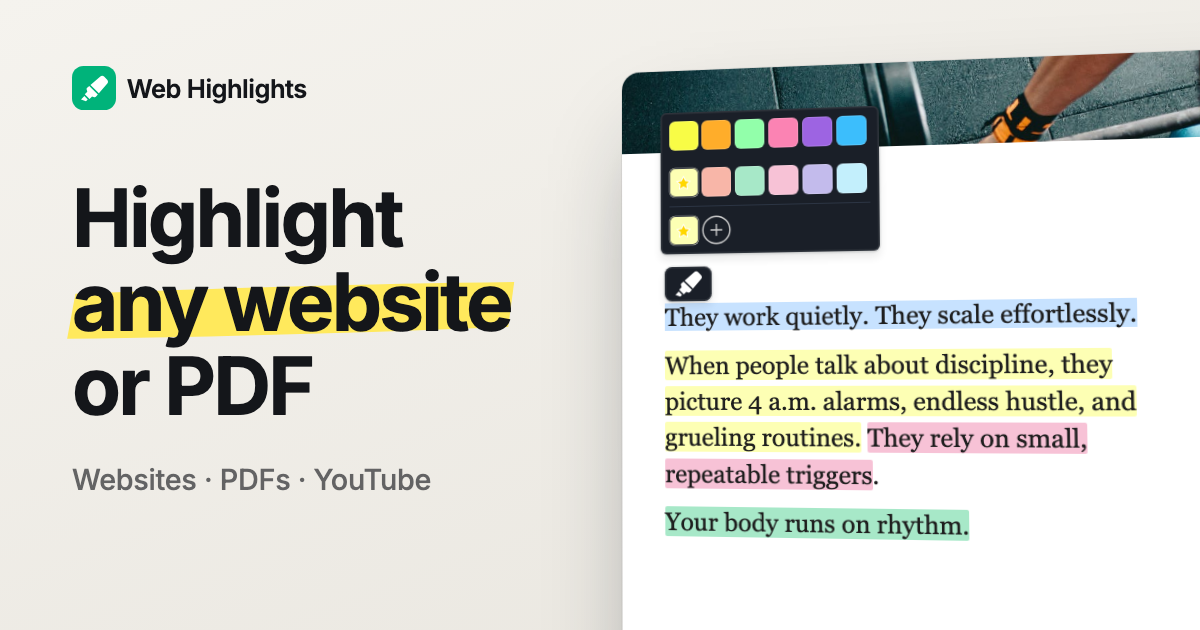
For highlighting, yes. Web Highlights is free to use: highlight any website or PDF in different colors, add notes and tags, sort pages into collections and search across everything. No account, no trial that runs out.
What costs money is syncing your library across devices. That’s the Premium plan at $6.49/month or $56.99/year, with a 7-day free trial. If you only read on one computer, you may never need it.
Want unlimited one-click exports and no daily AI limits? That’s Ultimate at $59.99/year — about half of Readwise Full at $119.88/year.
How is highlighting different?
This is the real difference, and it’s easy to miss. Readwise Reader wants you to read in Reader: you save a page, it opens in a clean reading view, and you highlight there. That’s great if you like reading in one app.
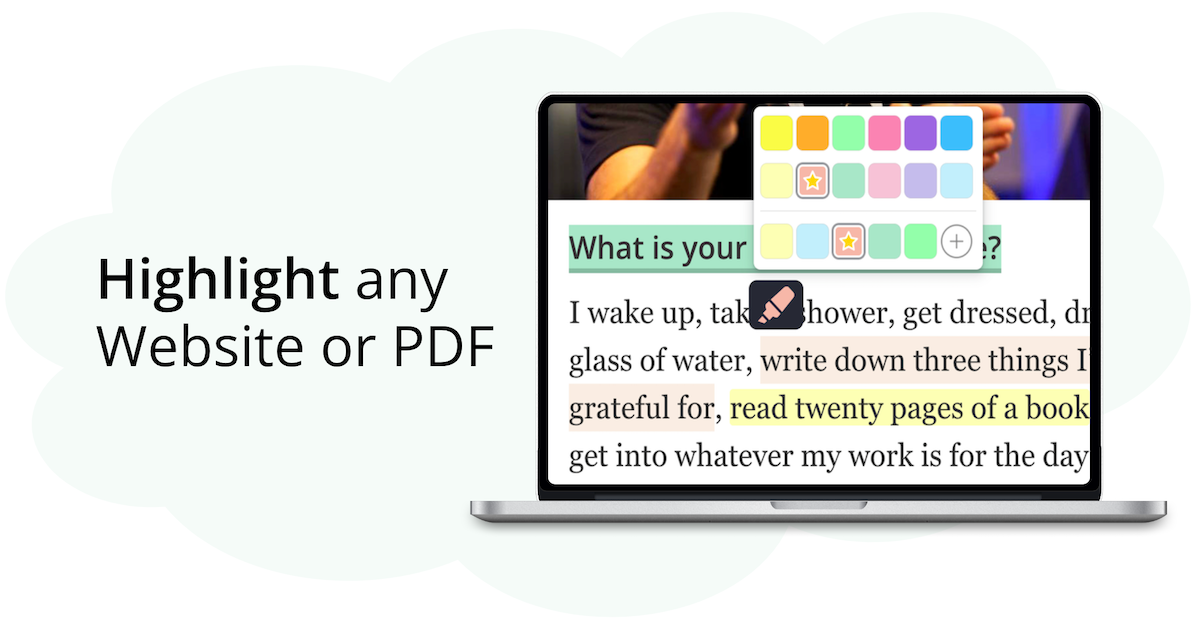
Web Highlights works on the page itself. You read the article where it lives, select a sentence, and it’s highlighted — on the original site, with the sidebar showing your notes next to it. Come back next week and your highlights are still on that page. If you prefer a clean view, there’s a reader mode too, and it works on PDFs.
Neither is better in general. If you love a reading inbox, Reader fits. If you read in tabs and don’t want another app, Web Highlights fits.
Can Web Highlights replace the Readwise daily review?
Partly, and differently. Readwise brings back a handful of your highlights every day, by email or in the app, so you see them again. Web Highlights turns highlights into question-and-answer flashcards and schedules them with spaced repetition, so you actively test yourself instead of just re-reading.
Re-reading is easy and pleasant. Testing yourself is more work, and it’s what makes things stick. If you’re studying — for exams, a language, a certification — flashcards will do more for you. If you want a gentle daily reminder of what you read, the Readwise review is the nicer habit.
Kindle readers aren’t left out: import your Kindle highlights, and each book becomes its own deck.
Can I export highlights to Notion and Obsidian?
Notion and Capacities: yes, in one click. Free and Premium get one export per day to each, Ultimate is unlimited.
Obsidian is where Readwise is clearly ahead. Readwise syncs to Obsidian, Roam, Logseq and Evernote automatically. With Web Highlights, you copy your highlights as Markdown and paste them into your vault. If an automatic Obsidian sync is the center of your workflow, stay with Readwise.
What does Readwise do better?
- A complete reading app. RSS feeds, newsletters, EPUBs, YouTube and Twitter threads in one inbox. Web Highlights doesn’t do feeds or ebooks.
- Apps everywhere. iPhone, Android, Mac, Windows and Safari. We have no iOS app or Safari extension.
- Text-to-speech for articles, PDFs and ebooks.
- Automatic sync to note apps, including Obsidian, Roam and Logseq.
- Cloud AI on any device with Ghostreader, where our AI needs a desktop browser with a built-in model.
What does Web Highlights do better?
- Price: free to use, and about half the price when you do pay.
- Highlighting on the original page, without saving it into another app first.
- PDFs you hand to others: download a PDF and your highlights are real annotations that open in Acrobat, Preview or Edge.
- Flashcards and spaced repetition built in, not just re-reading.
- Private, on-device AI: summaries, chat and flashcards run in Chrome or Edge on your computer, with no Web Highlights AI server.
- No account to start. Install and highlight.
How do I switch from Readwise to Web Highlights?
One honest note first: there’s no direct import of Readwise highlights into Web Highlights. Your Readwise library stays where it is — Readwise lets you export it as Markdown, so keep a copy before you cancel.
- Install Web Highlights for Chrome, Edge or Firefox. No account needed.
- Read your next article where it is and highlight the sentences that matter. Add a note or a tag.
- Turn the highlights you want to remember into flashcards.
- If you read Kindle books, import your clippings, so your book highlights and web highlights sit in one library.
Comparing other tools too? We also wrote Web Highlights vs Glasp, the best Omnivore alternatives and Web Highlights vs Weava.
So which one should you pick?
If Readwise Reader is where you read every day — feeds, newsletters, ebooks, audio, on your phone and your laptop — keep it. It’s a great product, and the price buys a lot.
If you mostly highlight web pages and PDFs and want to remember them, you’re paying for a lot you don’t use. Try Web Highlights for a week. It’s free, and you’ll know quickly if it’s enough.
I’m happy to answer questions, and I’m open to criticism 😊 You can reach me on LinkedIn or Twitter.