
Omnivore shut down in November 2024, and the best alternative depends on which part of it you miss. If you want the full read-later app — a reading queue, newsletters, RSS — Readwise Reader is the closest match, and Instapaper or Raindrop are the free-plan options. If what you really used Omnivore for was highlighting what you read and finding it again, Web Highlights does that for free, right on the page.
Full disclosure: I built Web Highlights. The reviews I link for the other apps live on Tooltivity and Productivity Apps, which are run by my company too. Prices below come from each app’s own pages, checked in October 2026.
- Omnivore closed when its team joined ElevenLabs; all user data was deleted on November 15, 2024.
- Closest full replacement: Readwise Reader ($9.99/month billed yearly). Free read-later options: Instapaper, Raindrop, or self-hosted Wallabag.
- For free highlighting and notes on web pages and PDFs, plus flashcards to remember them: Web Highlights.
- After losing one library, prefer tools that let you export everything.
What happened to Omnivore?
Omnivore was a free, open-source read-later app with good highlighting, and a lot of people loved it for exactly that. In late October 2024 its team announced they were joining ElevenLabs. The hosted service was switched off, and everything still in it was deleted on November 15, 2024 — about two weeks after the announcement.
The code is still on GitHub, and a community self-hosted version exists, but it needs a database, a search server and several services to run. For most people, Omnivore as they knew it is gone.
That’s the real lesson here. Before you move your reading into a new app, check two things: can you export everything, and will the app still be around? Less than a year later, Pocket shut down too.
What are the best Omnivore alternatives?
| App | Best for | Free plan | Paid |
|---|---|---|---|
| Readwise Reader | The full Omnivore experience and more: articles, PDFs, newsletters, RSS, EPUBs | No (30-day trial) | $9.99/month billed yearly |
| Instapaper | A simple, calm reading queue | Yes; 5 notes per month | $5.99/month or $59.99/year |
| Raindrop.io | Bookmarks in collections, with highlights | Yes | Pro about $28/year (full-text search, permanent copies) |
| Matter | Reading and listening on iPhone and the web | Yes | $14.99/month or $79.99/year |
| Wallabag | Open source you host yourself, so it can’t be shut down on you | Free to self-host | Small yearly fee for the hosted version |
| Web Highlights | Highlighting and notes on any web page or PDF, plus flashcards | Yes, no account needed | Sync across devices from $6.49/month or $56.99/year |
Readwise Reader
If you want something that does everything Omnivore did, this is it. Reader saves articles, PDFs, newsletters, RSS feeds, YouTube videos and EPUBs, has very good highlighting, syncs to Obsidian, Notion and Logseq, and reads articles aloud. It has no free plan, though: $9.99 a month billed yearly after a 30-day trial. I compared it in detail in Web Highlights vs Readwise.
Instapaper
The calm, simple option. Save articles, read them later in a clean view, highlight. The free plan is generous for saving, but limits you to five notes a month; Premium adds full-text search, a PDF reader and text-to-speech.
Raindrop.io
If you used Omnivore partly as a bookmark manager, Raindrop is excellent: collections, tags, a clean interface, and highlights. It’s weaker as a reading app. Pro adds full-text search and permanent copies of your pages.
Matter
A beautiful reading app with good highlighting and audio. The catch: its app is for iPhone and iPad, with no Android app, and Premium is the priciest on this list.
Wallabag
The answer if you never want to lose your library again. It’s open source, you can host it yourself, and it supports highlights and notes. It’s less polished, and self-hosting takes some setup — or you pay a small yearly fee for their hosted version.
Is there a free Omnivore alternative with highlighting?
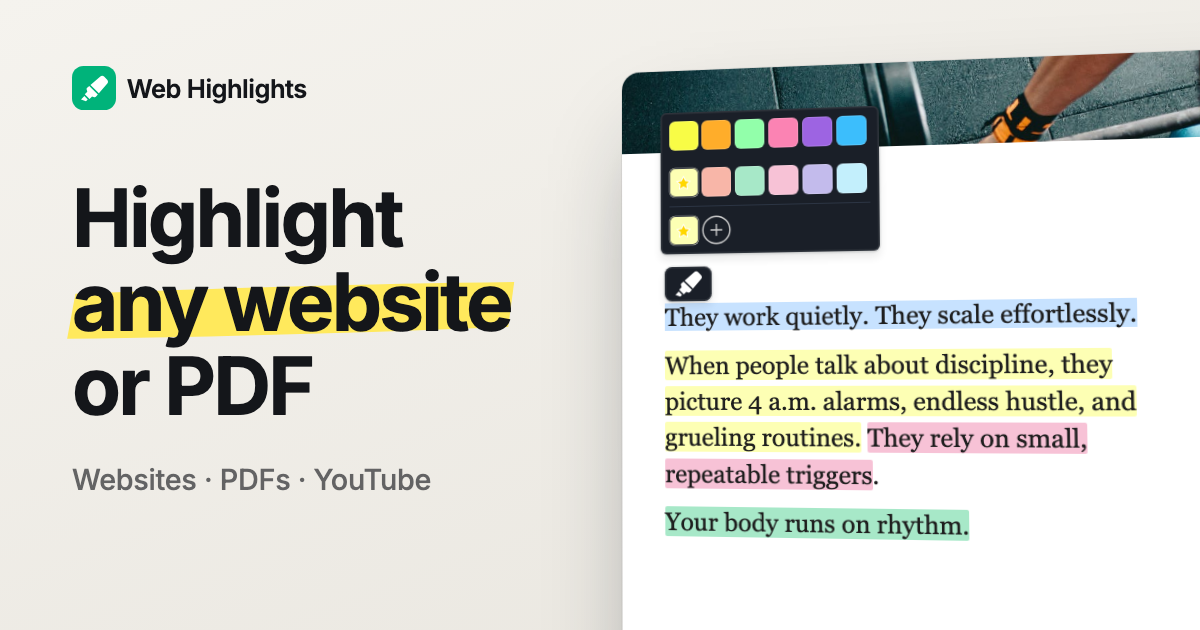
Yes — and this is where Web Highlights fits. It isn’t a reading inbox like Omnivore. Instead, you highlight the page where it lives: open an article, select a sentence, and it’s highlighted in the color you pick, with your notes in a sidebar next to it. Every page you highlight or save as a bookmark lands in one searchable library with tags and collections.
A few things Omnivore users usually ask about:
- PDFs: highlight online and local PDFs, upload your own (up to 30 MB), and download them with highlights as real PDF annotations.
- Reading later: save any page in one click and set an email reminder to come back to it. Reader mode gives you a clean view when you want one.
- Getting things out: copy any page as Markdown or HTML, and export to Notion and Capacities in one click.
- Remembering: turn highlights into flashcards and review them with spaced repetition.
- Your phone: on Android, share a page from any app into Web Highlights; on iPhone, use the web app.
It’s free to use, and the extension doesn’t even need an account. You only pay if you want your library synced across devices.
What won’t Web Highlights do?
I’d rather you know this now than after switching:
- No RSS feeds, newsletters or EPUBs — Readwise Reader and Wallabag do those.
- No text-to-speech. Reader, Instapaper and Matter read articles aloud.
- No iOS app or Safari extension yet.
- No direct Obsidian sync; you copy Markdown and paste it.
- No import of an old Omnivore export.
If your Omnivore habit was “subscribe to newsletters and read them in one app”, pick Reader or Wallabag. If it was “highlight the good parts and find them again”, Web Highlights will feel lighter.
How do I pick the right one?
- Want everything Omnivore did, and happy to pay? Readwise Reader.
- Want a simple free reading queue? Instapaper.
- Mostly organizing links? Raindrop.io.
- Never want to lose your data to a shutdown again? Self-hosted Wallabag.
- Mostly highlighting and remembering what you read, for free? Web Highlights.
Coming from Pocket as well? Our guide to the best Pocket alternatives covers that shutdown, and you can import a Pocket export into Web Highlights.
To try Web Highlights, install it for Chrome, Edge or Firefox and highlight the next article you read. It takes about a minute to know if it fits.
I’m happy to answer questions, and I’m open to criticism 😊 You can reach me on LinkedIn or Twitter.