Browsing the web without interruptions is more important than ever in 2026. Ad blockers enhance your online experience by removing unwanted ads, improving page load times and protecting your privacy.
In this article, we’ll highlight the best ad blocker Chrome extensions for 2026, ensuring you have a smooth and secure browsing experience.
If you're looking for Ad Blockers for other browsers, take a look at our curated lists with in-depth reviews:
- Best Ad Blocker Extensions for Firefox
- Best Ad Blocker Extensions for Safari
- Best Ad Blocker Extensions for Edge
- Best Ad Blocker Extensions for Opera
Older Extensions and Google's Latest Requirements
Google has introduced new requirements for Chrome extensions with the rollout of Manifest V3, aimed at enhancing security and privacy.
Google has said that its new extension platform was built for "improving the security, privacy, performance, and trustworthiness of the extension ecosystem." - arstechnica.com
That transition has now played out. Extensions still on the older V2 manifest are unsupported, and the blockers that survived did so by rebuilding — AdGuard shipped its Manifest V3 version after a spell where it looked like it might disappear , and uBlock Origin was replaced outright by uBlock Origin Lite.
As a result, it’s crucial to choose ad blockers that are up-to-date and ready for the future.
Here are our favorite ad blocker Chrome Extensions :
Full disclosure: Tooltivity, which this article links to, is run by my company — the same one that makes Web Highlights.
1. AdGuard AdBlocker
ℹ️ We previously flagged this one as at risk from the Manifest V2 cutoff. It came through: AdGuard is still in the Chrome Web Store, still carries the store's Featured badge, and was last updated on 28 August 2026. Learn more about deprecated V2 Chrome extensions here .
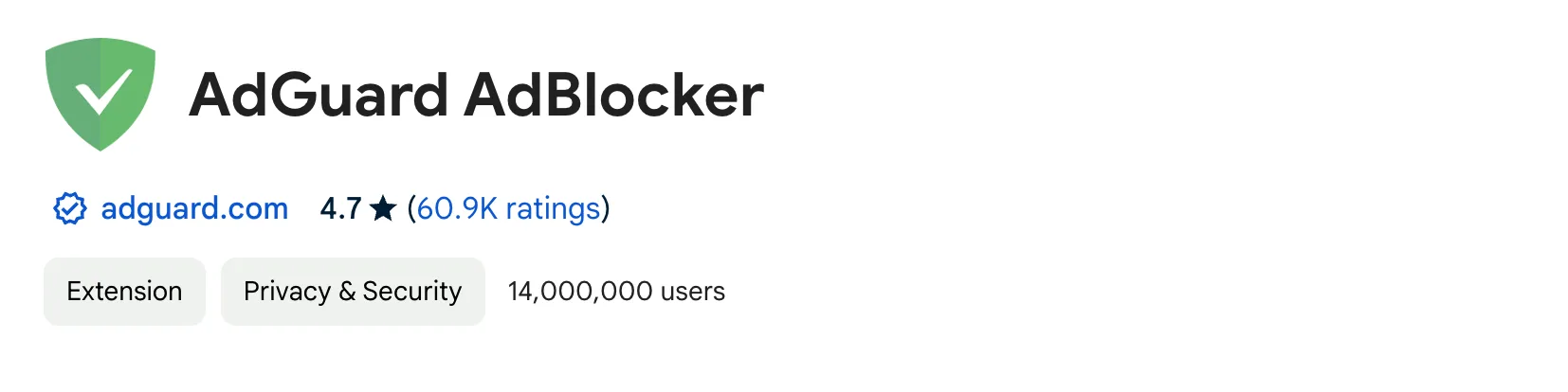
AdGuard Adblocker is a popular browser extension with over 16 million users. It blocks ads, boosts privacy, and helps guard against online threats.
Key Features of AdGuard Adblocker:
- Ad Blocking : Stops video ads, pop-ups, banners, and text ads on any websites
- Privacy Protection : Blocks third-party trackers to keep your privacy safe.
- Customizable : Lets you set up allowlists and create custom rules.
- Malware Protection : Prevents access to harmful websites and spyware.
- Crypto-jacking Protection : Blocks known crypto-jackers for extra security.
Check out our detailed review here :


AdGuard AdBlocker is available in the Chrome Web Store , Safari Extension Store, Microsoft Edge Store , Mozilla Firefox Add-ons Store, and Opera Add-ons Store. You can install it here .
2. Ghostery
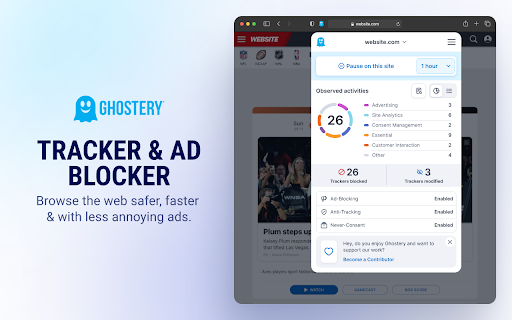
Ghostery goes after the trackers behind the ads, not just the ads themselves. It blocks banners and pop-ups out of the box, auto-rejects cookie-consent banners, and then shows you exactly which trackers each page tried to load — which is oddly addictive once you start watching the counter.
It is open source, it does not sell your data, and there is no acceptable-ads deal in the background. Two honest caveats: YouTube coverage is patchy, and the interface is English-only.
Key Features of Ghostery:
- Blocks ads and the tracking scripts that ordinary ad blockers leave running.
- Never-Consent automatically declines cookie banners for you.
- A per-page tracker counter shows what each site actually tried to load.
Check out our detailed review here .
3. AdBlocker Ultimate
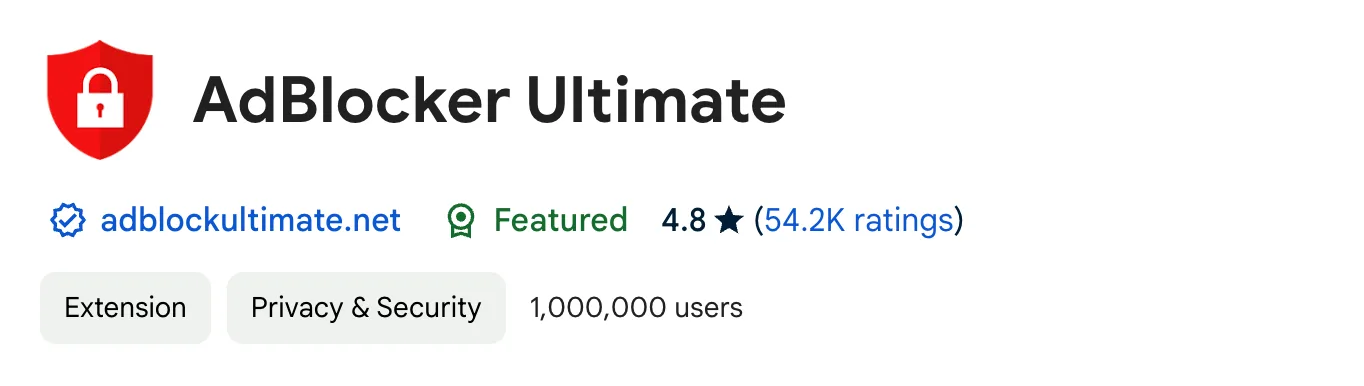
AdBlocker Ultimate is designed to remove all ads, ensuring a distraction-free browsing experience. It doesn’t allow any "acceptable" ads or whitelisted advertisers, making it a thorough ad-blocking tool.
Key Features of AdBlocker Ultimate:
- Blocks all ads on all web pages, including Facebook and YouTube.
- Blocks malware and tracking, improving browser performance.
- No "acceptable" ads or whitelisted websites, ensuring complete ad removal.
Check out our detailed review here:
AdBlocker Ultimate is available in the Chrome Web Store , Microsoft Edge Store , Mozilla Firefox Add-ons Store, and Opera Add-ons Store. You can install it here .
4. uBlock Origin Lite
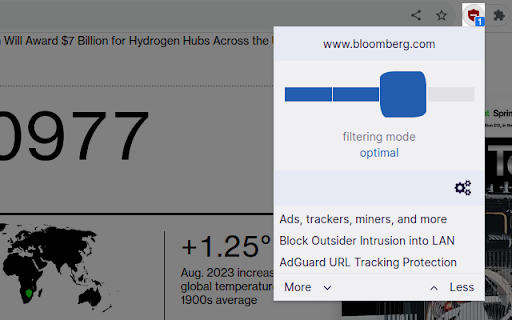
uBlock Origin Lite is the Manifest V3 successor to uBlock Origin, written by the same author. It blocks ads, trackers and miners the moment you install it — no account, no setup, no upsell, and no acceptable-ads programme.
A per-site slider moves between Basic, Optimal and Complete, so you can turn the strictness up on one domain without touching the rest. Worth knowing before you switch: YouTube ads still slip through, and its rating over the last 100 reviews (3.92) sits well below its 4.5 lifetime average — the MV3 rebuild lost some of what long-time uBO users relied on.
Key Features of uBlock Origin Lite:
- Blocks ads, trackers, miners and pop-ups immediately, with no configuration.
- Per-site Basic / Optimal / Complete filtering modes.
- Built for Manifest V3, so it asks for far less access to your browsing than most blockers.
Check out our detailed review here .
5. Stands AdBlocker
Stands AdBlocker is a robust ad-blocking solution that enhances your browsing experience by blocking ads across various platforms like YouTube, Facebook, and more. It provides a free and comprehensive ad-blocking service to protect your browsing experience.
Key Features of Stands AdBlocker:
- Blocks ads on websites, pop-ups, and videos.
- Allows customization of ad-blocking preferences through an intuitive interface.
- Enhances browsing speed by eliminating unwanted ads.
Check out our detailed review here :

Stands Adblocker is available in the Chrome Web Store , Microsoft Edge Store , Opera Add-ons Store, Safari Extension Store, Brave, and Vivaldi. You can install it here .
6. Poper Blocker - Pop up blocker for Chrome
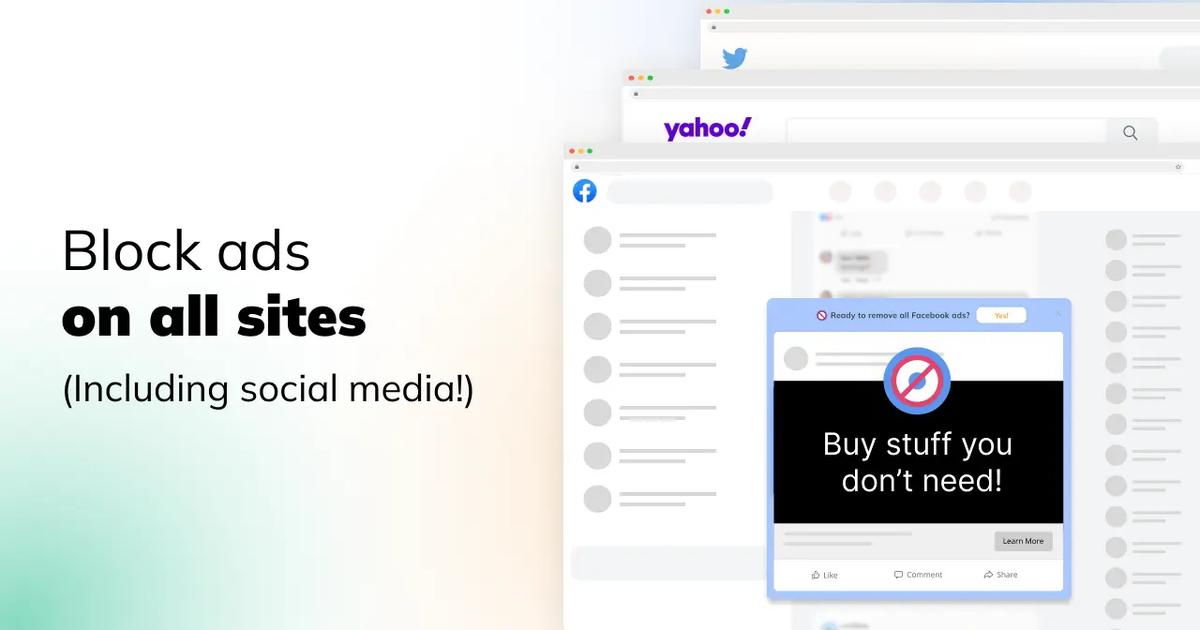
Poper Blocker ensures a clean browsing experience by blocking pop-ups, ads, cookie requests, site notifications, and more. It offers extensive ad-blocking capabilities across various platforms, including social media and YouTube.
Key Features of Poper Blocker:
- Blocks all types of pop-ups and ads on any website.
- Hides ads on social media platforms and YouTube videos.
- Removes cookie consent requests and site notifications for a seamless browsing experience.
By choosing any of these top ad blocker Chrome extensions, you can enjoy a faster, safer, and more enjoyable online experience in 2024.
Check out our detailed review here :
Poper Blocker is available in the Chrome Web Store , and Microsoft Edge Store . You can install it here .
7. Adblock Plus
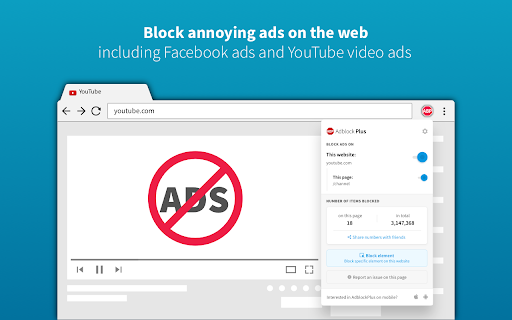
Adblock Plus is the one most people have heard of, and at 37 million users it is comfortably the most installed blocker on this list. It has been free since 2006, clears banners, pop-ups and video ads out of the box, and lets you right-click to hide anything a filter missed.
The catch is Acceptable Ads: a whitelist of "non-intrusive" ads that is switched on by default . Turn it off in the settings and the extension gets noticeably stricter. Its recent reviews tell the same story as the rest of the MV3 transition — 3.54 over the last 100, against a 4.39 lifetime average.
Key Features of Adblock Plus:
- Removes banner, pop-up and video ads across most of the web straight away.
- An Acceptable Ads toggle — on by default, and more useful switched off.
- Custom filter lists, allowlisting, and right-click element hiding.
Check out our detailed review here .
8. AdBlock Max - ad blocker
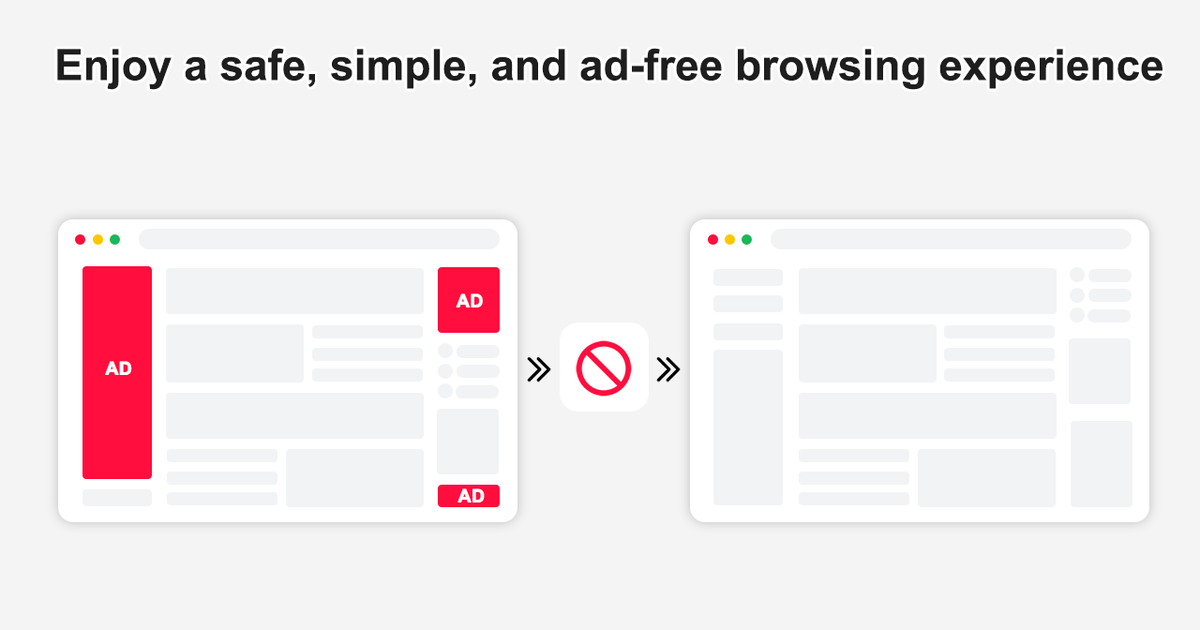
AdBlock Max is a permission-less content blocker that removes ads, trackers, and more immediately upon installation. It is easy to use and significantly speeds up web page load times.
Key Features of AdBlock Max:
- Blocks all ads, including pop-ups, autoplay video ads, and audio ads.
- Prevents trackers, protecting user privacy.
- Uses Content Blocking Extensions for fast and efficient ad blocking.
Check out our detailed review here :
AdBlock Max is available in the Chrome Web Store . You can install it here .
9. AdBlock - block ads across the web
AdBlock is trusted by over 60 million users worldwide and is known for its comprehensive ad-blocking capabilities. It improves your browsing experience by blocking disruptive pop-ups, banners, and video ads.
Key Features of AdBlock :
- Blocks ads on YouTube, Facebook, and other websites.
- Disables third-party tracking for enhanced privacy.
- Protects against malicious ads containing malware.
Check out our detailed review here :
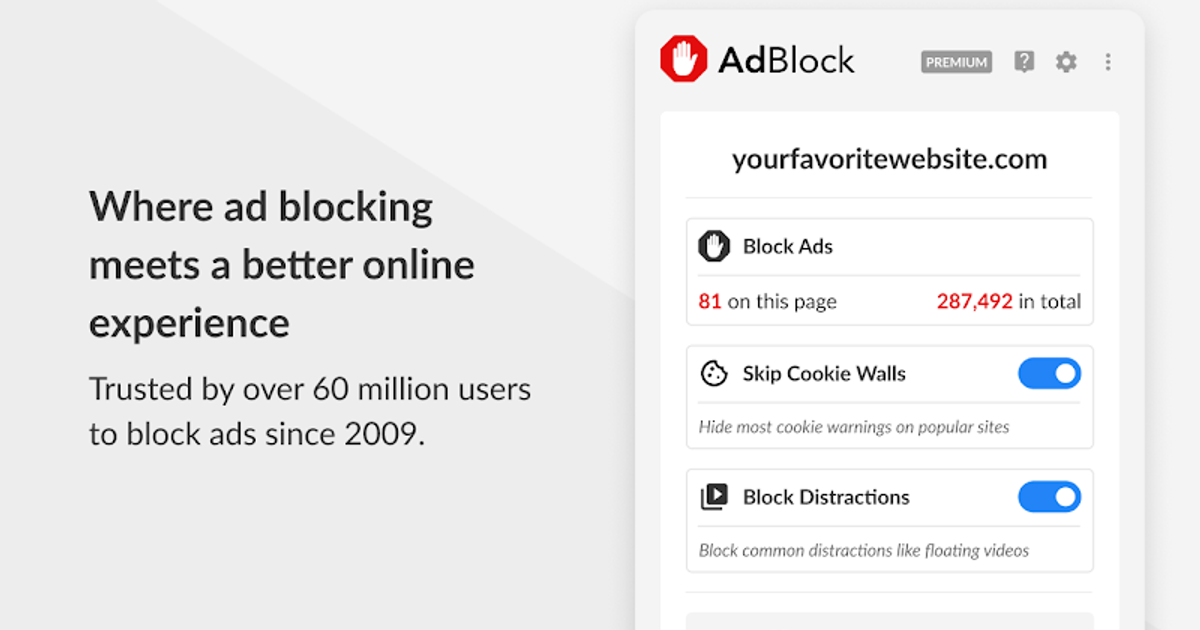
AdBlock is available in the Chrome Web Store , Microsoft Edge Store , Mozilla Firefox Add-ons Store, and Safari Extension Store. You can install it here .
Worth Pairing With: Decentraleyes
Decentraleyes is not an ad blocker, which is why it is not ranked above — but it is the one extension we would add next to any entry on this list. It serves local copies of jQuery, AngularJS and other common libraries, so the big CDNs never see the request in the first place.
It is free, open source, and built to sit beside your blocker rather than replace it. Coverage stops at the libraries it bundles, so treat it as a complement, not a second line of defence.
Bonus: Web Highlights - PDF & Web Highlighter
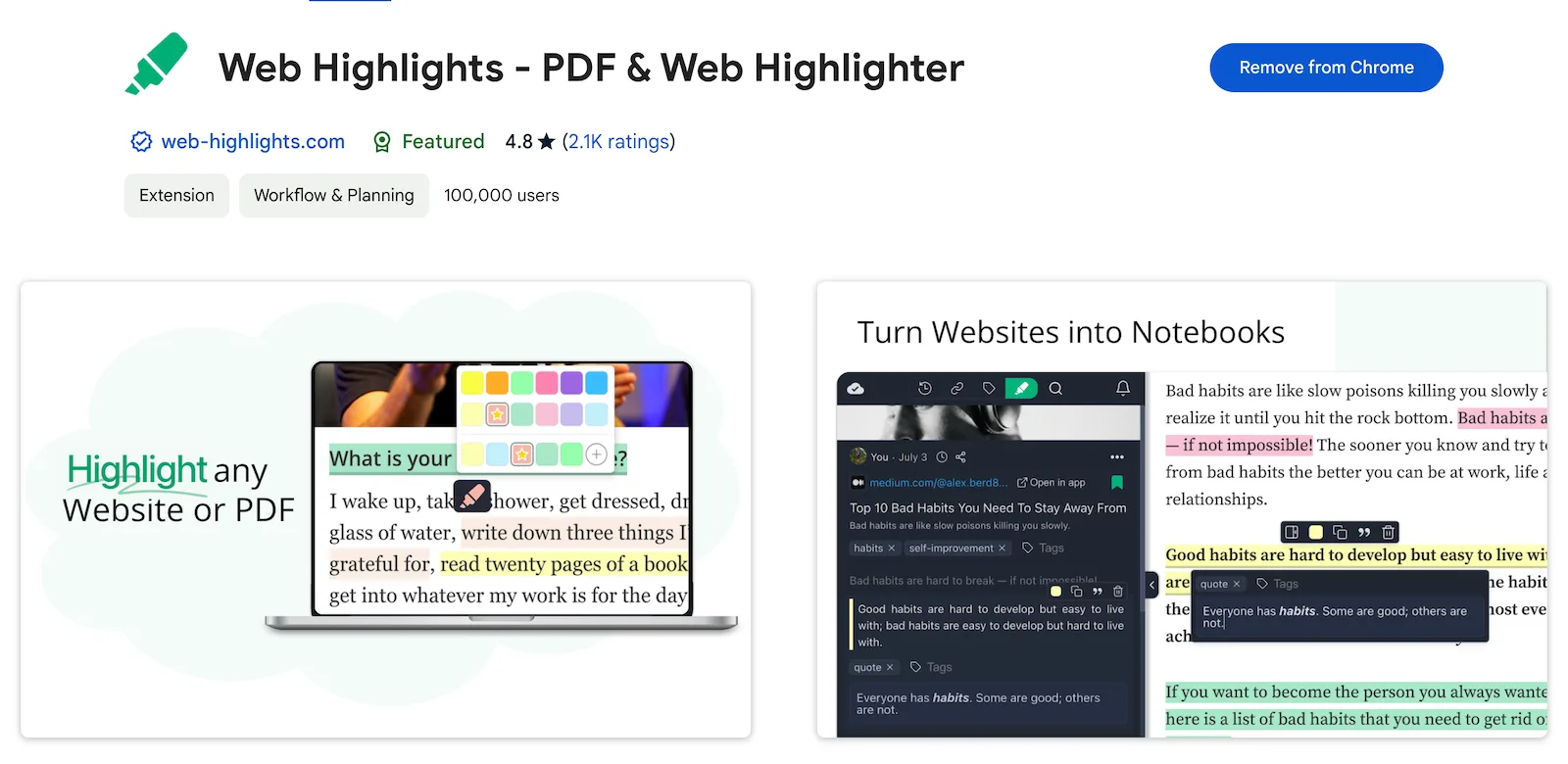
Web Highlights is a productivity-focused extension designed for avid online readers and researchers. It allows you to highlight text, take notes, and save bookmarks directly on any website or PDF, helping you stay organized. It's perfect for students, bloggers, and lifelong learners.
Key Features :
- Highlight websites and PDFs , take notes, and create tags.
- Sync highlights and bookmarks across devices with cloud backup.
- Advanced features like export to Notion , Obsidian, and automatic email reminders .
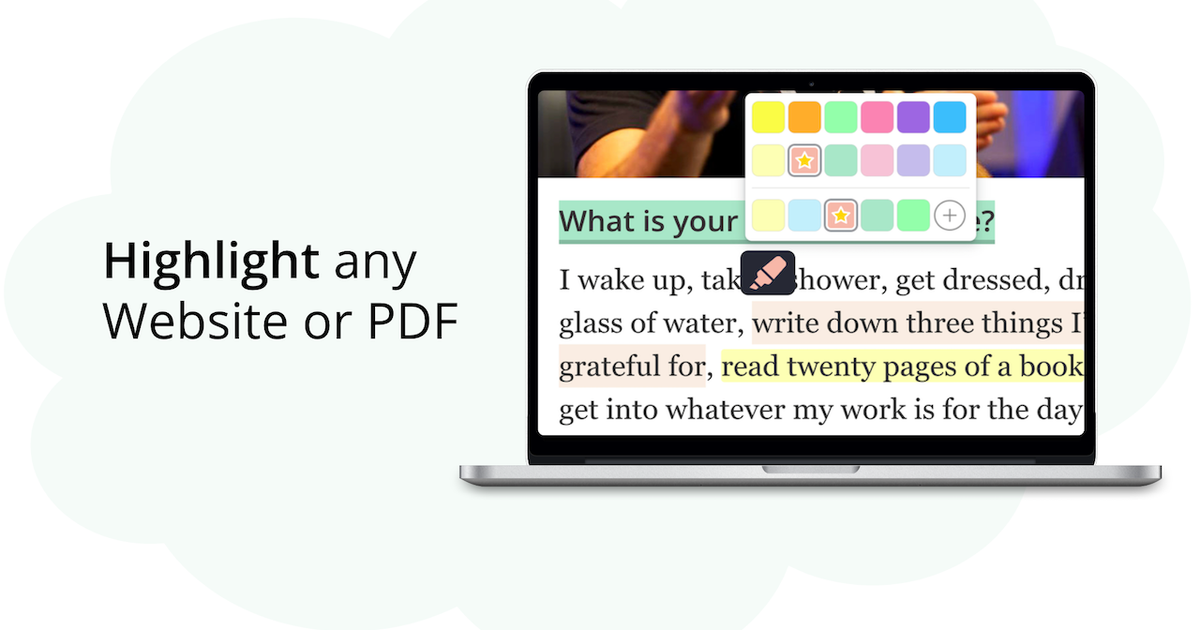
Web Highlights is available in the Chrome Web Store , Microsoft Edge Store, Brave, and Vivaldi. You can install it here .