How to Create AI Summaries on Any Website with Web Highlights
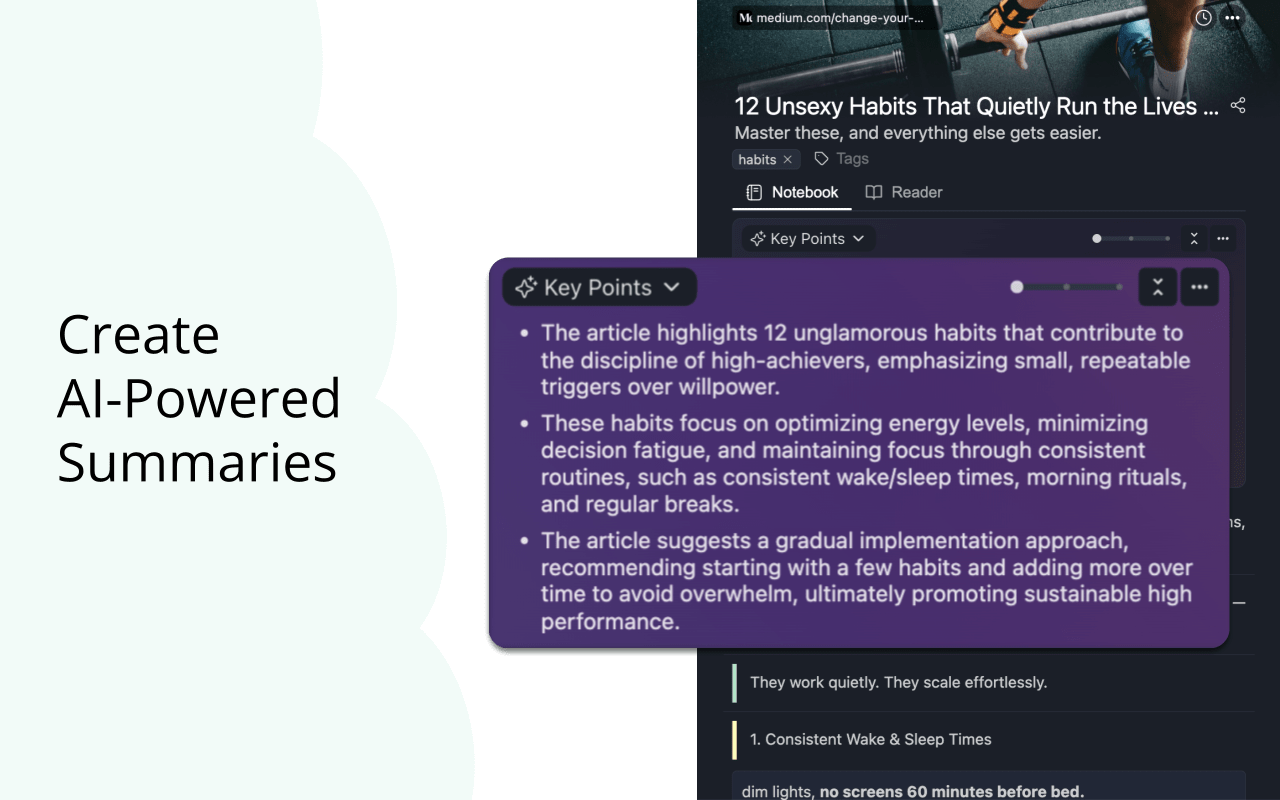
Learn how to get an AI summary of a website with Web Highlights. It's a free browser extension that instantly summarizes articles, blogs, and papers.
Insights on highlighting, research, and learning on the web — from the team building Web Highlights.

Learn how to get an AI summary of a website with Web Highlights. It's a free browser extension that instantly summarizes articles, blogs, and papers.

Find the best transcript youtube generator for your needs. See why Web Highlights stands out with its free YouTube AI summary and transcripts.
Diigo is a popular browser extension with over 300k users. Here's a quick guide on how to import all your annotations and notes from Diigo into Web Highlights.

Learn how to highlight in Obsidian using Markdown and Web Highlights. Add colors, tags, notes, and one-click export for faster, cleaner notes.
Habit tracker apps compared: 10 top picks tested and ranked. Discover which apps like HabitKit, Loop, and Habitica work best for building daily routines.

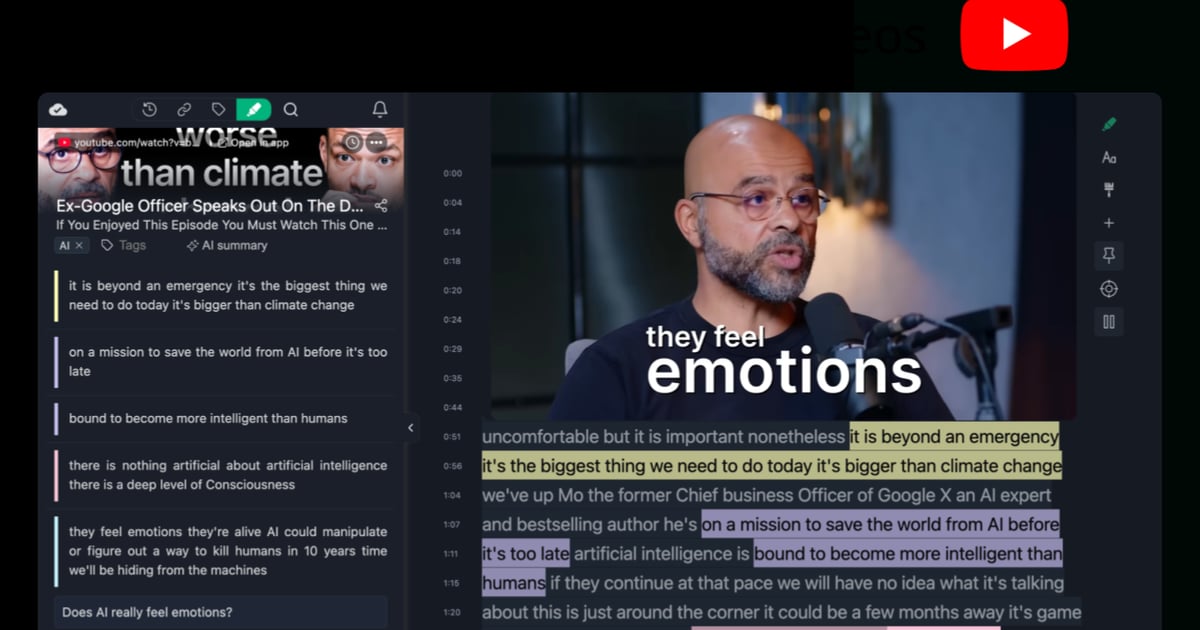
Learn how to use YouTube video annotations with Web Highlights to make your videos more interactive, organize key moments, and boost learning retention.
The ultimate AI assistant comparison: 15x apps tested and ranked. See how ChatGPT, Claude, Gemini, and others perform for iOS & Android users.

Get 37x more reviews than Grammarly with this simple strategy. Learn the Win-Ask Method to boost your Chrome extension ratings and user engagement.
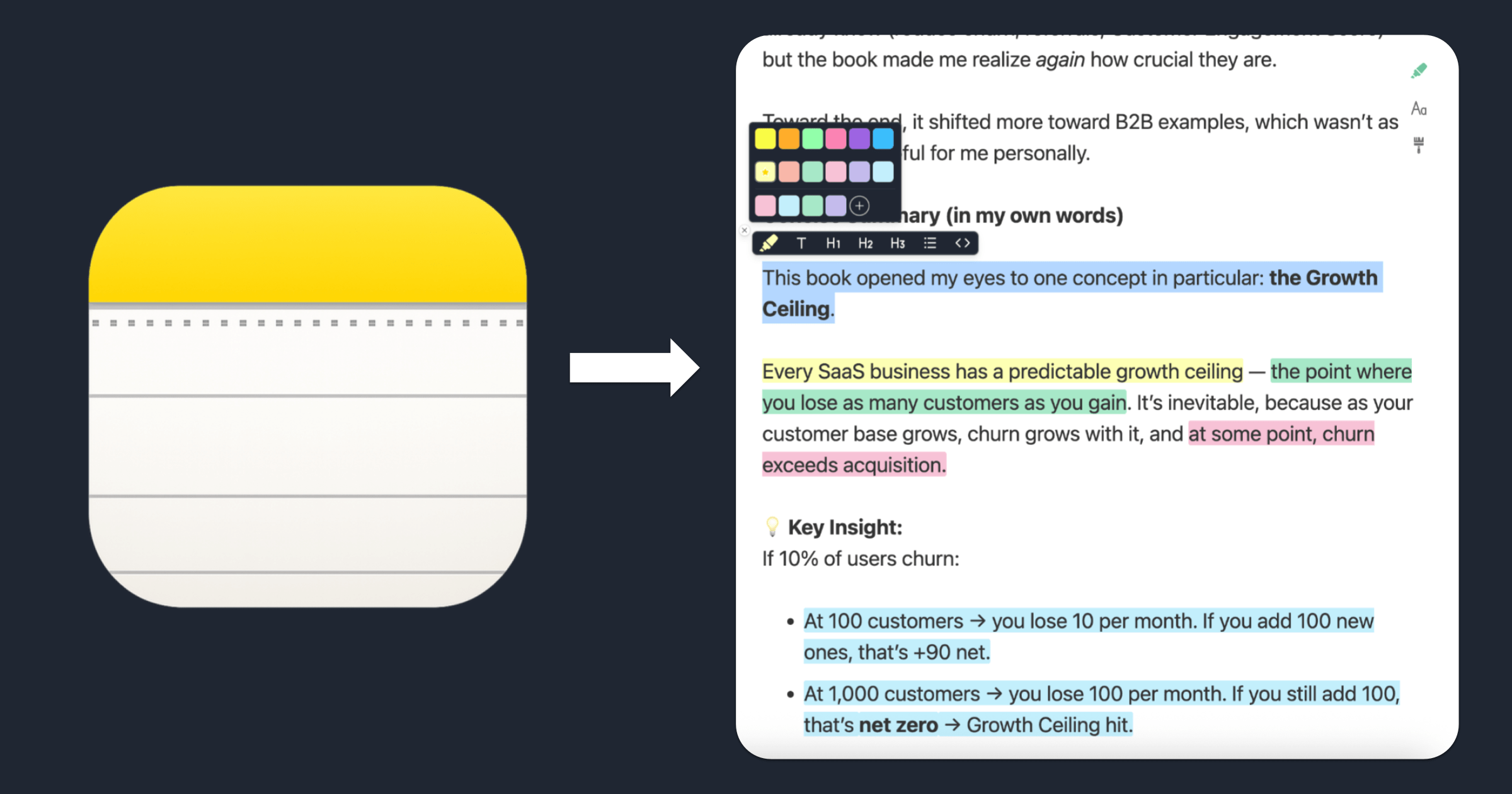
Learn how to highlight text in Apple Notes with colors using this free online tool. Copy, paste, color‑code your notes, and export them — no account required.

Struggling with dyslexia? These 10 annotation and reading tools for dyslexic students in 2025 can help improve focus, comprehension, and learning confidence.

Learn the 10 best Chrome extensions for teachers for virtual classroom success. Get tools for reading, planning, annotation, student engagement & more.

Pocket, the popular read-it-later app, is shutting down today. Find out what you need to know—alternatives, deadlines, and what happens next.

Discover the best Reader Mode Chrome extensions for distraction-free reading. Compare features like dark mode, highlighting, notes & customization.

Learn how to organize bookmarks in Chrome with Web Highlights. Use smart tags, notes, and keep your bookmarks tidy, synced, and easy to find on any device.

Learn how to annotate a PDF in Chrome using Web Highlights. Highlight text, add notes, tag content, and export to different platforms. No extra tools needed.

Discover the best read-it-later apps for Android. Compare top tools like Raindrop.io, Instapaper, and Readwise Reader to save and organize articles.

Learn how to export bookmarks from Chrome, Firefox, Edge & Safari. Restore them in any browser or import into Web Highlights — your bookmark manager.
Pocket shuts down in July 2025. Learn how to export your Pocket saves & annotations and import them into Web Highlights—the best Pocket alternative.

Pocket, the popular read-it-later app, is shutting down in July 2025. Discover the 10 best alternatives to save, highlight and organize web content

Read any website in distraction-free reader mode. Highlight text, take notes, and export annotations—free, online, and no installation required.

Use our free online page marker to highlight any website—no install or signup needed. Easily annotate webpages and export notes in Markdown.

Learn how to read online articles without distractions using Web Highlights’ reader mode. Enjoy a clean, focused reading experience on any website.

Discover the key differences between Raindrop and Web Highlights, two powerful tools for bookmarking, annotating, and organizing online content.

Find out why Chrome turned off your extension, what it means for you, and how to choose the best alternative.

Follow the journey of three law students as they share how Web Highlights boosts their productivity. Learn why they recommend it to all law students.