Web Highlights vs. Hypothesis: Which One’s Better for Students?
Web Highlights vs. Hypothesis compared for students. See which tool works better for PDFs, YouTube study, summaries, flashcards, and personal learning.

Web Highlights vs. Hypothesis compared for students. See which tool works better for PDFs, YouTube study, summaries, flashcards, and personal learning.

Best Chrome VPN extensions compared: 10 popular picks, each with its Tooltivity score. See how NordVPN, Planet VPN, Browsec and others score on store ratings and recent reviews.

Resuma qualquer vídeo do YouTube com IA e leia a transcrição completa em segundos: pontos principais, TL;DR, exportação para Notion e Markdown. Sem precisar de conta.

Compare the top 10 meditation apps for iOS & Android. From free options like Medito to premium picks like Calm—find the best meditation app for sleep, stress relief, and mindfulness in 2026.

Compare 22 top iOS & Android VPN apps. From Proton VPN to NordVPN, find the perfect VPN for privacy, speed, and security in our detailed guide.

Procurando uma alternativa leve ao Adobe Acrobat? Compare as melhores ferramentas, grátis e pagas, para ler, anotar, editar e resumir PDFs no navegador.

Compare 10 ferramentas grátis de IA para resumir vídeos do YouTube. Veja qual extensão do Chrome entrega o melhor resumo de vídeo, com transcrição, notas e exportação para estudar.

Compare as melhores ferramentas de IA para resumir sites e textos: Web Highlights, Scholarcy, Genei, SMMRY e Resoomer para resumir páginas, PDFs e vídeos do YouTube.

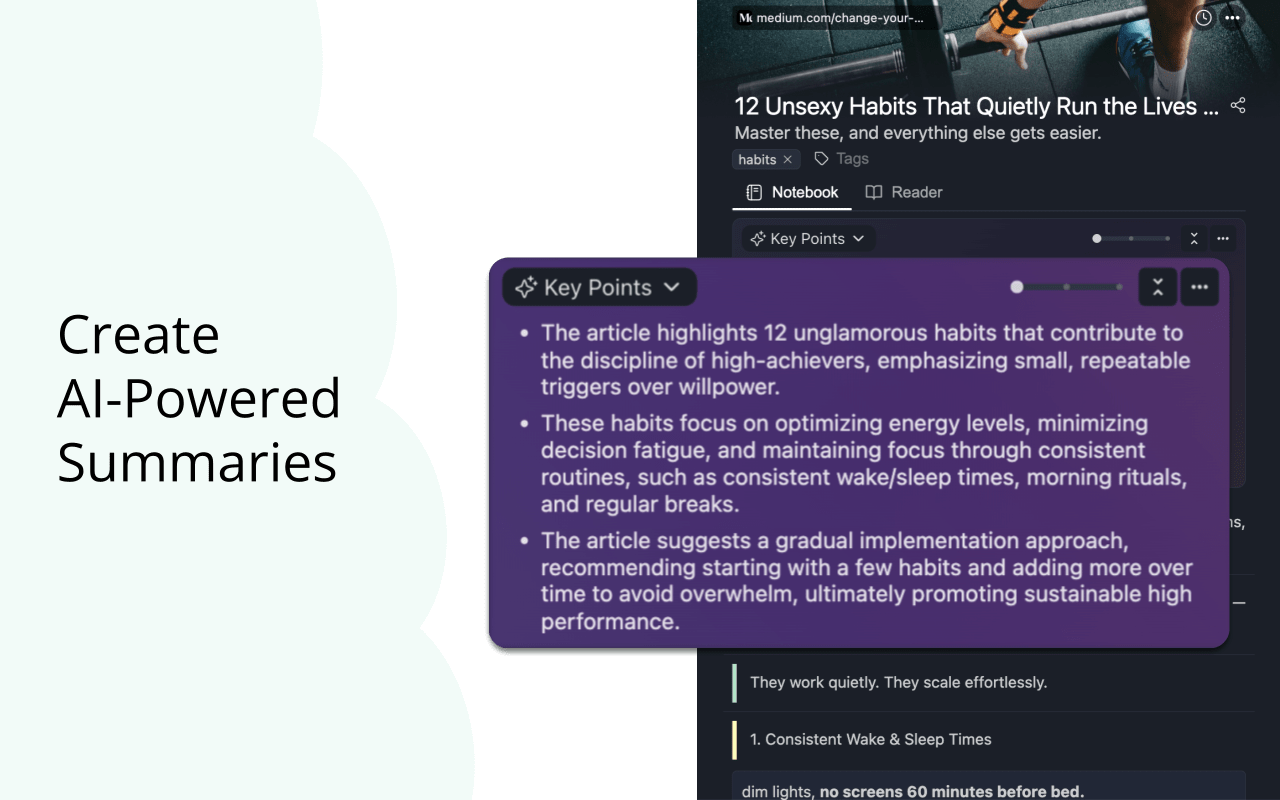
Learn how to get an AI summary of a website with Web Highlights. It's a free browser extension that instantly summarizes articles, blogs, and papers.

Quer transcrever vídeo do YouTube sem esforço? Comparamos as 10 melhores ferramentas de transcrição e mostramos por que o Web Highlights se destaca, com transcrição e resumo com IA grátis.
Diigo is a popular browser extension with over 300k users. Here's a quick guide on how to import all your annotations and notes from Diigo into Web Highlights.

Aprenda a destacar texto no Obsidian com ==texto== e o comando “Alternar destaque” — e a levar marcações em cores, com tags e notas, para o seu cofre com o Web Highlights.
Habit tracker apps compared: 10 top picks side by side. Discover which apps like HabitKit, Loop, and Habitica work best for building daily routines.

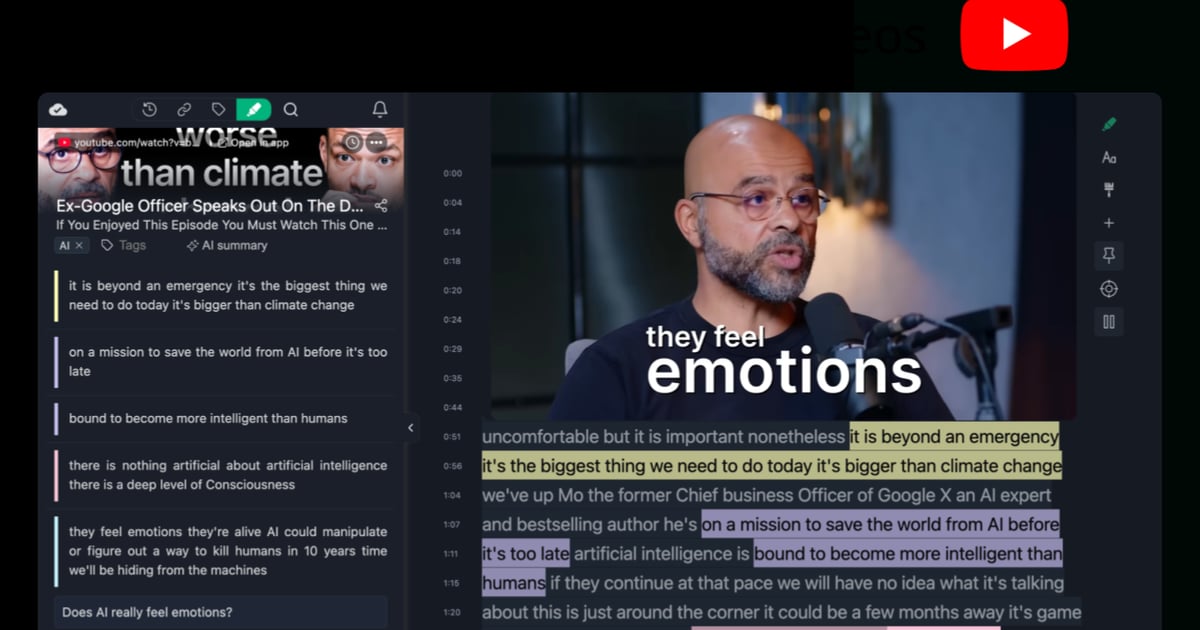
Learn how to use YouTube video annotations with Web Highlights to make your videos more interactive, organize key moments, and boost learning retention.
The ultimate AI assistant comparison: the top apps compared and ranked. See how ChatGPT, Claude, Gemini, and others stack up for iOS & Android users.

Get 37x more reviews than Grammarly with this simple strategy. Learn the Win-Ask Method to boost your Chrome extension ratings and user engagement.
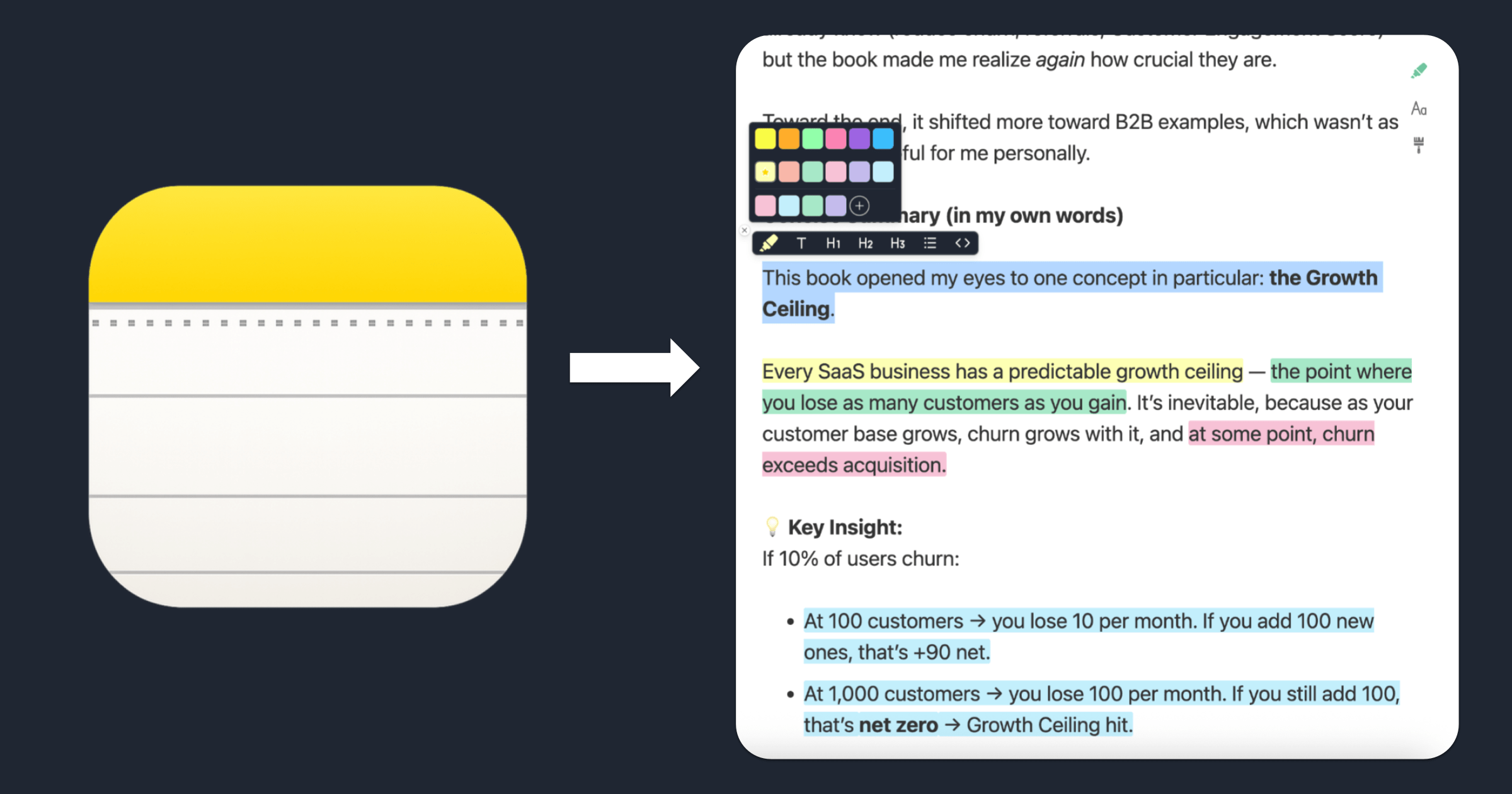
Learn how to highlight text in Apple Notes with colors using this free online tool. Copy, paste, color‑code your notes, and export them — no account required.

Struggling with dyslexia? These 10 annotation and reading tools for dyslexic students in 2025 can help improve focus, comprehension, and learning confidence.

Learn the 10 best Chrome extensions for teachers for virtual classroom success. Get tools for reading, planning, annotation, student engagement & more.

Pocket, the popular read-it-later app, is shutting down today. Find out what you need to know—alternatives, deadlines, and what happens next.

Discover the best Reader Mode Chrome extensions for distraction-free reading. Compare features like dark mode, highlighting, notes & customization.

Learn how to organize bookmarks in Chrome with Web Highlights. Use smart tags, notes, and keep your bookmarks tidy, synced, and easy to find on any device.

Learn how to annotate a PDF in Chrome using Web Highlights. Highlight text, add notes, tag content, and export to different platforms. No extra tools needed.

Discover the best read-it-later apps for Android. Compare top tools like Raindrop.io, Instapaper, and Readwise Reader to save and organize articles.

Learn how to export bookmarks from Chrome, Firefox, Edge & Safari. Restore them in any browser or import into Web Highlights — your bookmark manager.