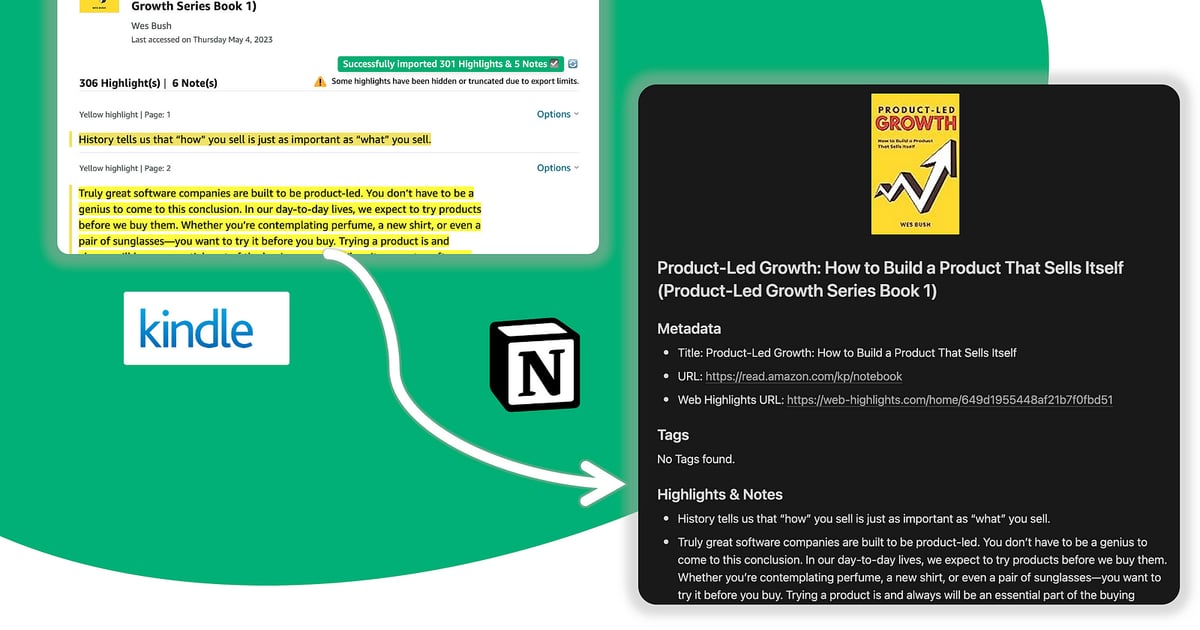
Kindle, Blinkist & Read-It-Later

Highlights trapped inside a single app don’t compound. Web Highlights is built for readers who jump between Kindle, Blinkist, Pocket-style queues, and the web—so retention workflows (and exports) still work when your library spans more than one platform.

Blinkist vs Kindle — which one fits how you read?

They solve different problems. Blinkist gives you the key ideas of a non-fiction book in about 15 minutes — great for deciding what's worth your time. Kindle (and Kindle Unlimited) gives you the full book — depth, stories, and the author's actual argument. Honestly? Most heavy readers end up using both: Blinkist to scout, Kindle to go deep.

BlinkistKindle
What you get~15-minute summaries of key ideasThe complete book
Best for Scouting books, refreshing ideas, short commutes Deep reading, fiction, studying a topic
Time per bookMinutesHours — and worth it for the right book
HighlightsYes, inside the Blinkist appYes, inside your Kindle library

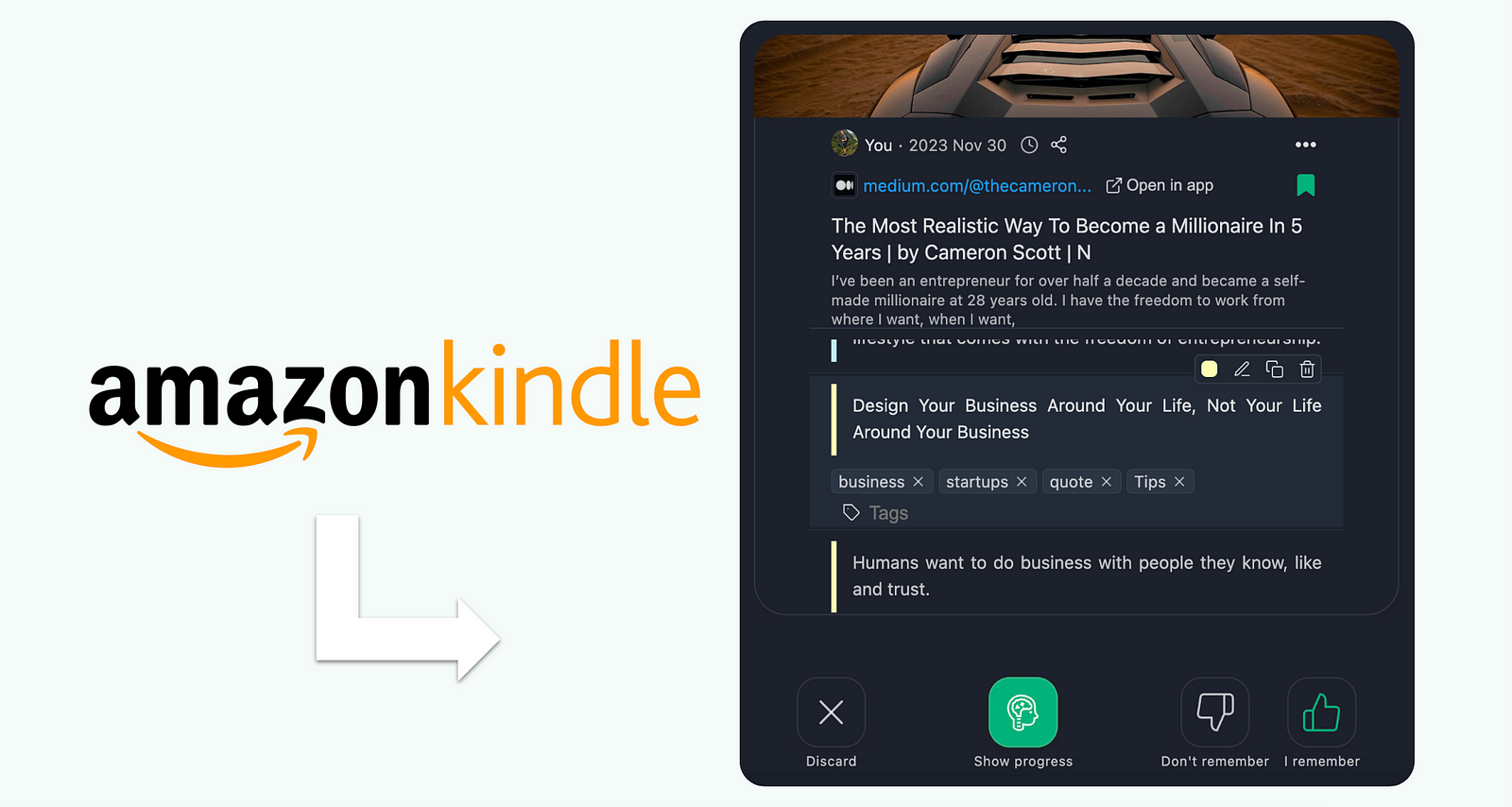
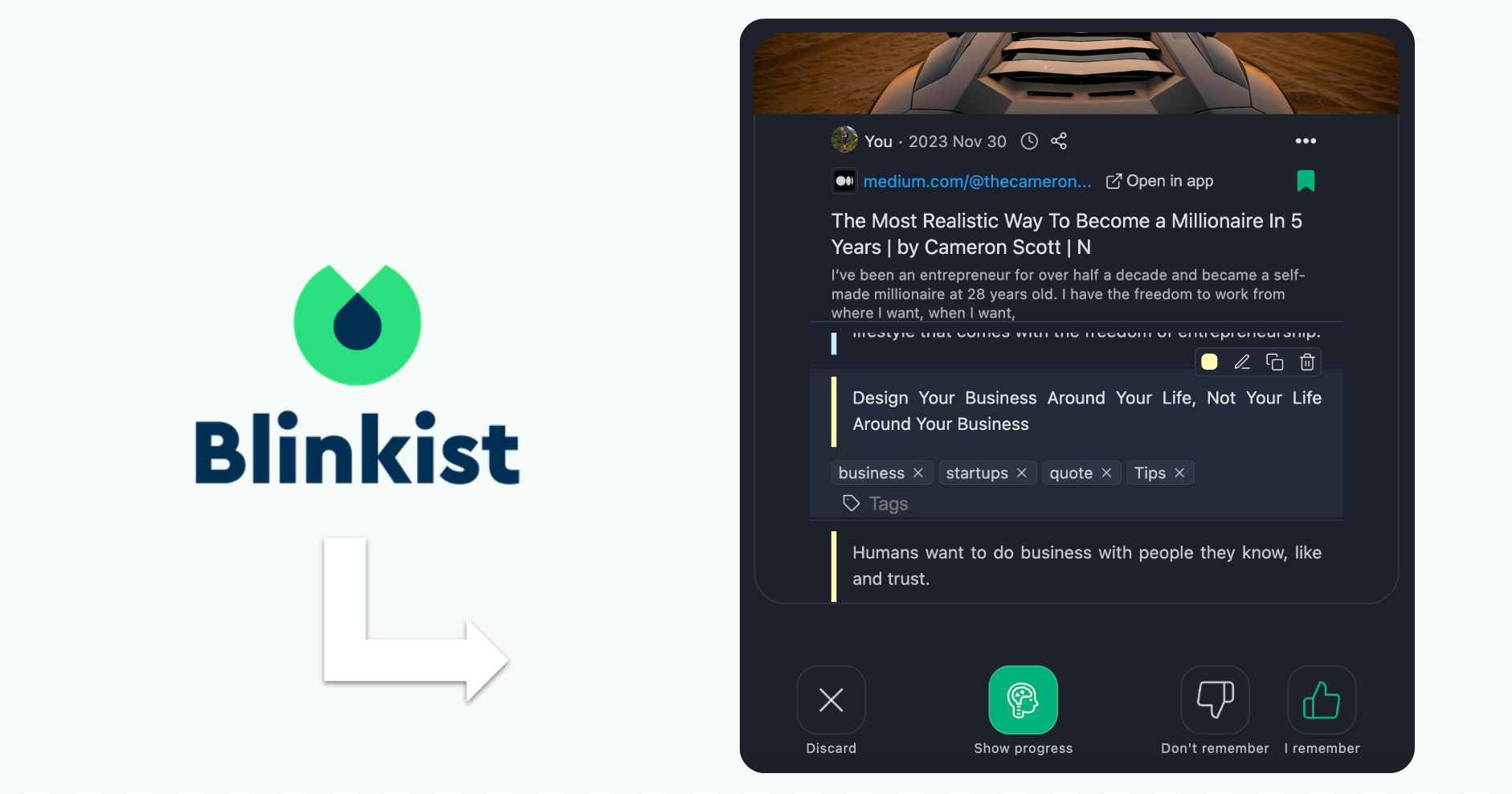
Whichever you choose, the highlights are the part you keep — and both apps lock them inside their own walls. Web Highlights brings them together: highlight your Blinkist summaries as you read them, or import your Kindle highlights — then review everything with free spaced-repetition learning so the books actually stick.

Is Blinkist better than Kindle?
Neither is "better" — they do different jobs. Blinkist compresses non-fiction into 15-minute summaries; Kindle gives you the whole book. If you mostly want to sample many ideas quickly, Blinkist fits. If you read cover to cover — or any fiction at all — Kindle wins.

Is Blinkist worth it if I already have Kindle Unlimited?
It can be, for a different reason: Kindle Unlimited is a library of full books, while Blinkist is a filter that helps you decide which books deserve a full read. Readers short on time often use Blinkist to scout and Kindle Unlimited to go deep.
Can I keep highlights from Blinkist and Kindle in one place?
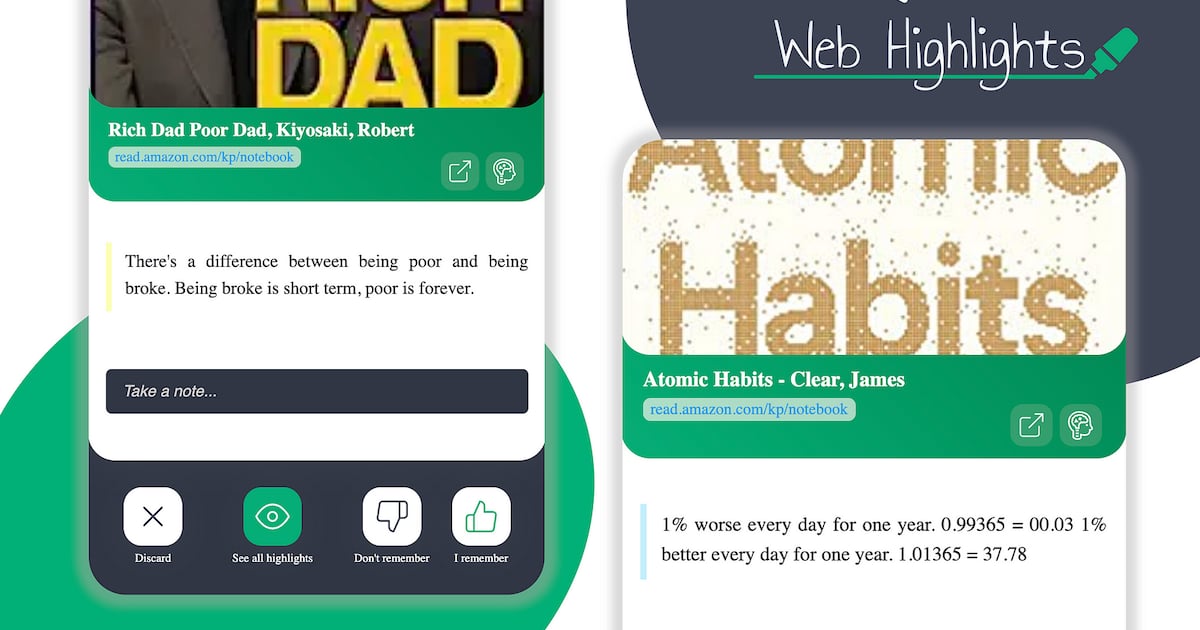
Yes. With the Web Highlights extension you can highlight Blinkist summaries in your browser and import your Kindle highlights from read.amazon.com — everything lands in one searchable library you can review with spaced repetition or export to Notion and Markdown.

Related articles