How to Highlight in Obsidian (and Maximize Your Note-Taking Experience)
Learn how to highlight in Obsidian using Markdown and Web Highlights. Add colors, tags, notes, and one-click export for faster, cleaner notes.
Your second brain is only as good as what flows into it. Web Highlights captures highlights and notes from the open web and PDFs in a format you can export and refine—so ideas from articles become durable notes instead of forgotten tabs.

Learn how to highlight in Obsidian using Markdown and Web Highlights. Add colors, tags, notes, and one-click export for faster, cleaner notes.
Transform your Obsidian into an AI-powered second brain using Cursor! Learn how to integrate AI for smarter note searching and management.
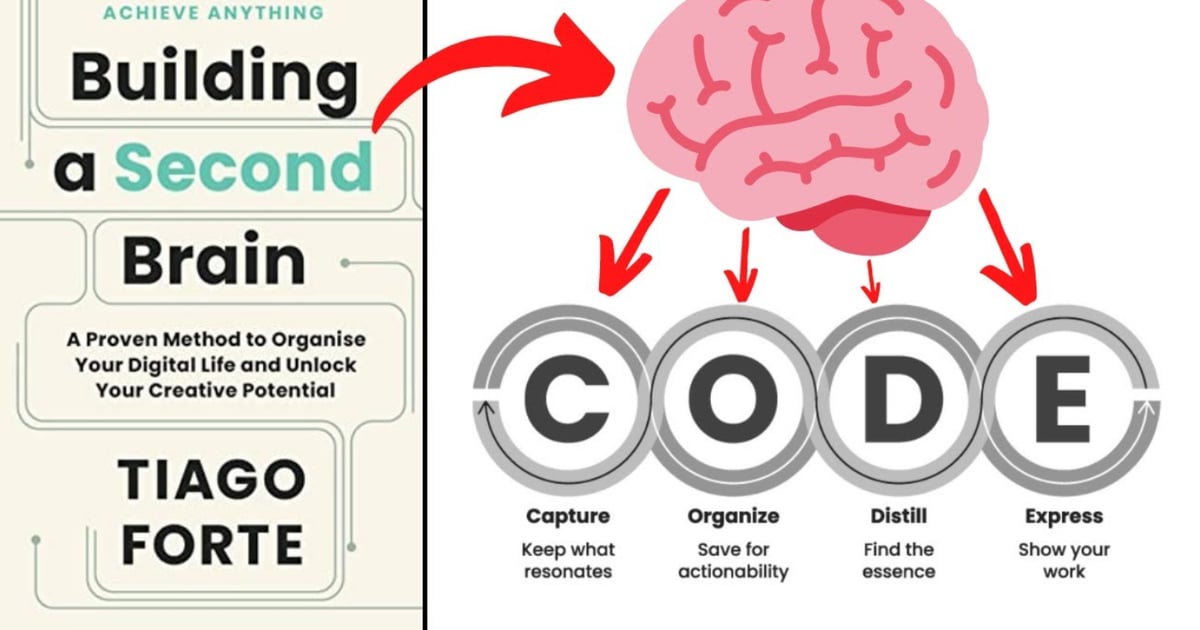
Unlock the power of Tiago Forte's CODE method and organize your second brain for better productivity using the Web Highlights Chrome Extension
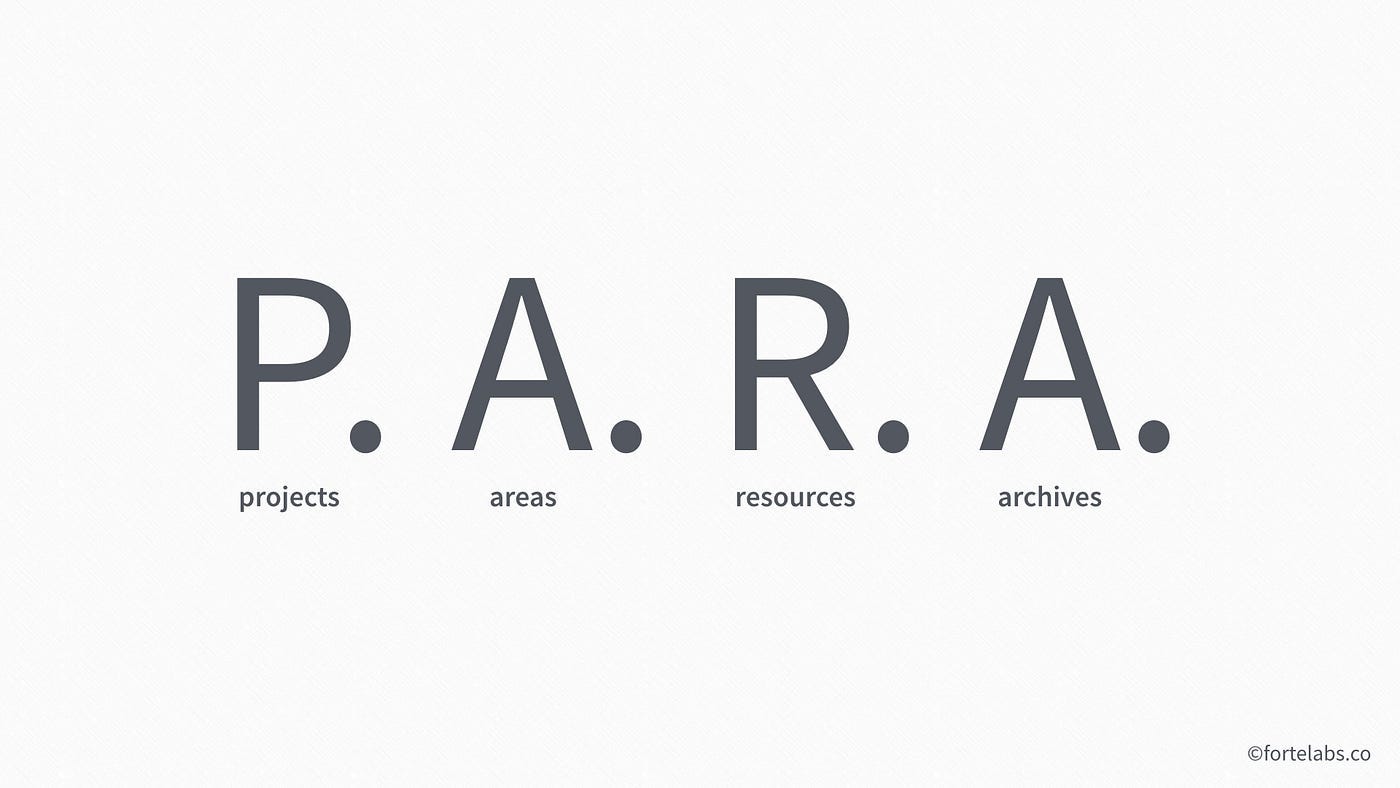
Feeling overwhelmed by digital chaos? Explore the PARA Method by Tiago Forte and learn how to organize your digital second brain for a more productive life!

Discover browser add-ons that enhance Tiago Forte’s Second Brain system, to streamline your digital organization and capture information effectively.

Learn how to run AI with the Smart Second Brain plugin for Obsidian. Improve your note-taking by using advanced AI features within your own system.
Do you ever make notes or highlights and never revisit them? It often feels like everything we read is crucial, but we're encountering it at the wrong time.
Discover the Best Tools to Build Your Digital Second Brain! Tiago Forte's famous productivity system for ultimate organization and creativity.

Discover the PARA-method: Tiago Forte's revolutionary approach to a clutter-free, productive, organized digital life with an unleashed creative potential

Unlock your creative potential with Tiago Forte's "Building a Second Brain" digital system. Discover the transformative 'CODE' technique and 'PARA' method.