You can't highlight a PDF in Chrome. You can open one and read it, sure. But try to mark a sentence, and there's nothing there to do it with.
I built a PDF highlighter tool, so I hear about this one a lot. My usual answer was: install my browser extension , or install something like Acrobat. Fine advice — unless you've got a single PDF to mark up and no interest in installing anything for it.
So I built a version that skips all that. It's a web page: open it, drop in a PDF, and highlight away. Use different colors, jot a note on the parts that matter, and when you're done, download the PDF with your highlights saved inside it, or print it. No account, nothing to install.
Let me walk you through how the free PDF highlighter works, and the couple of things it can't do yet.
Highlight a PDF online in 30 seconds
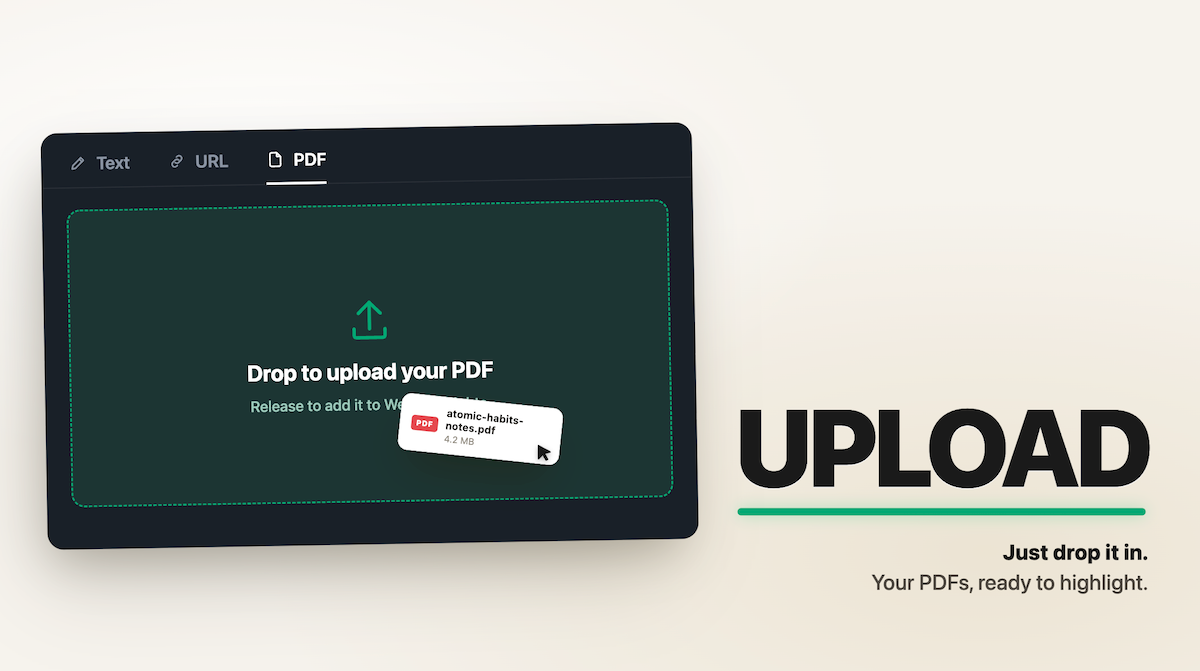
Open the Free Online PDF Highlighter and drag your PDF onto the page — or click the card and pick a file from your computer.
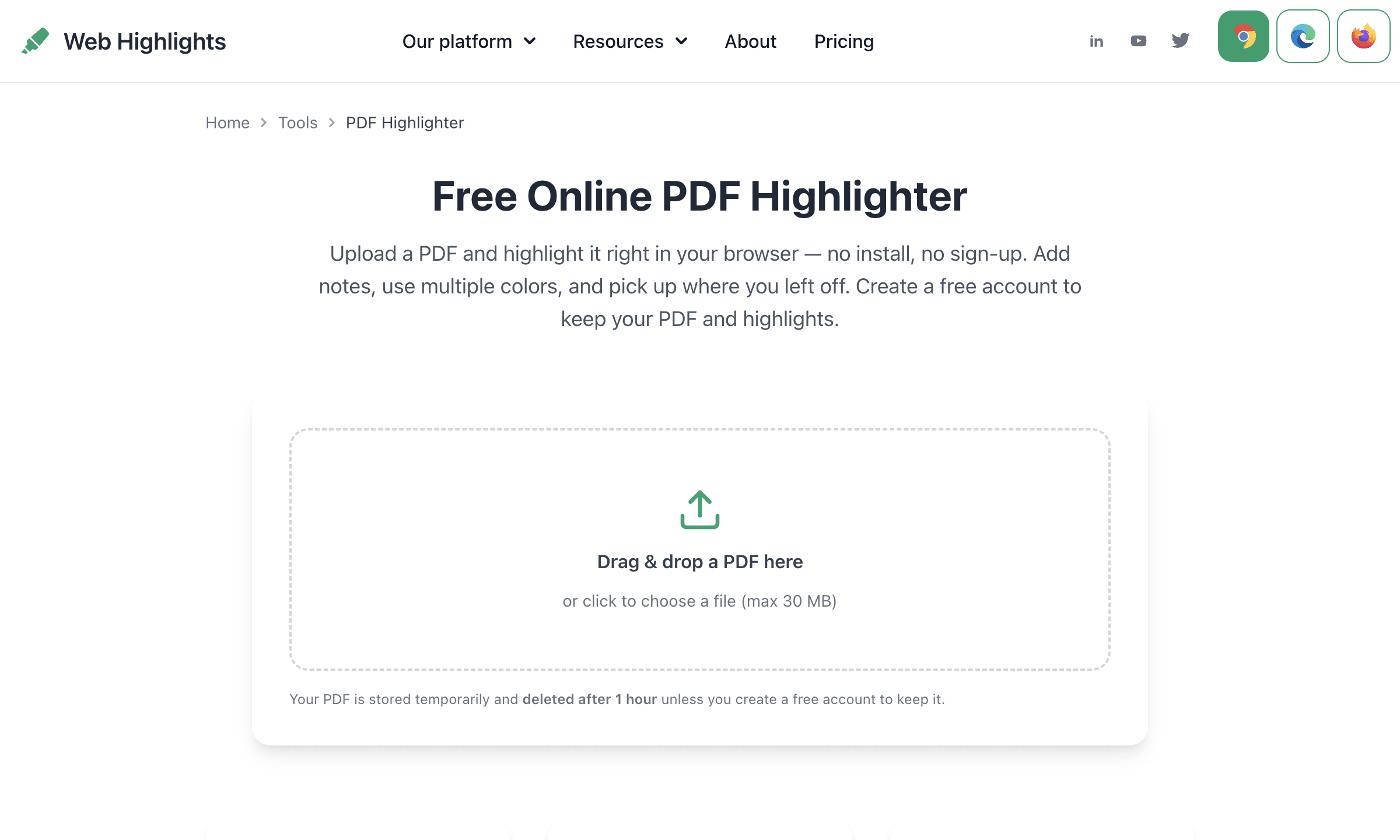
No account screen, no install prompt, no "create your workspace" step first. Your file opens straight in the highlighter, ready to mark.
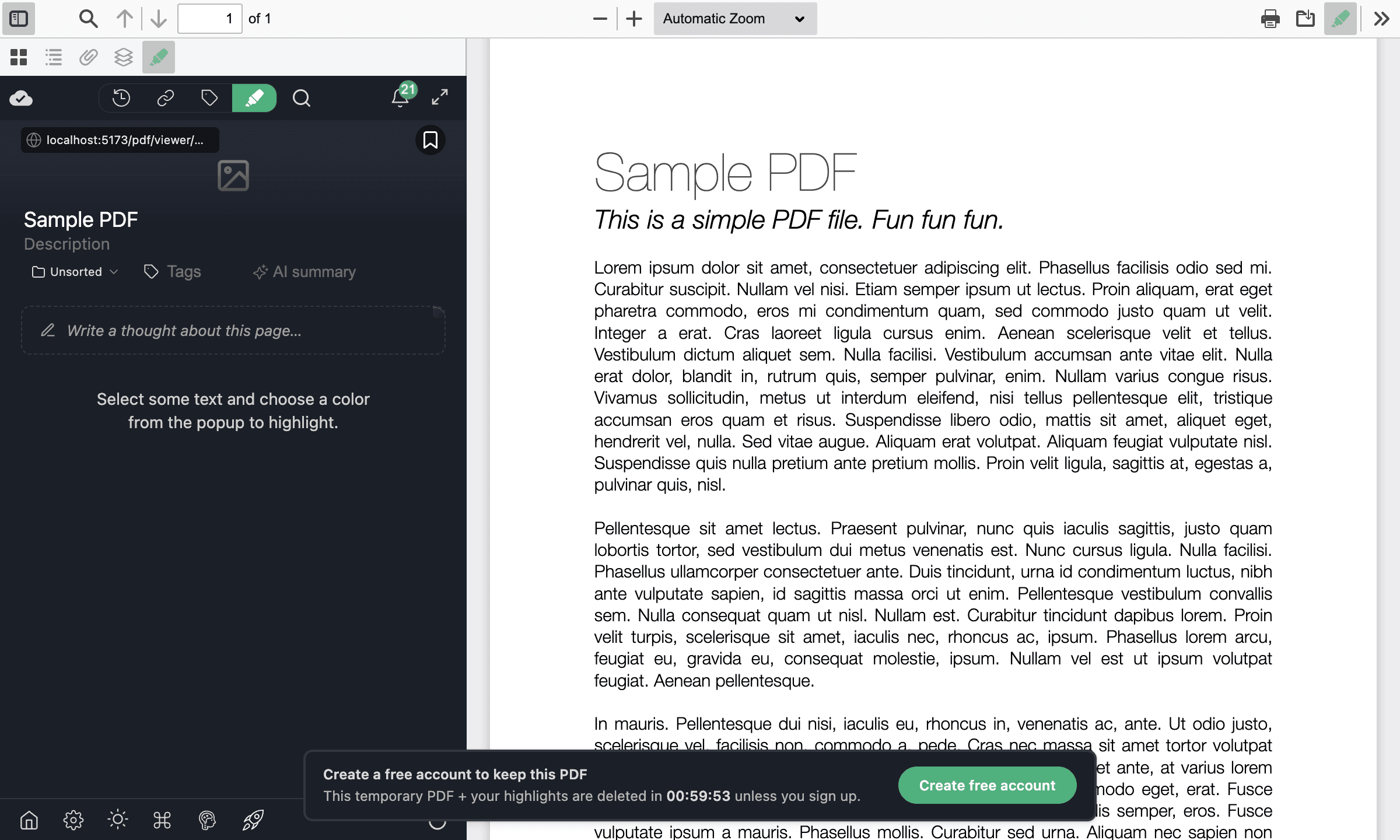
Select text, pick a color
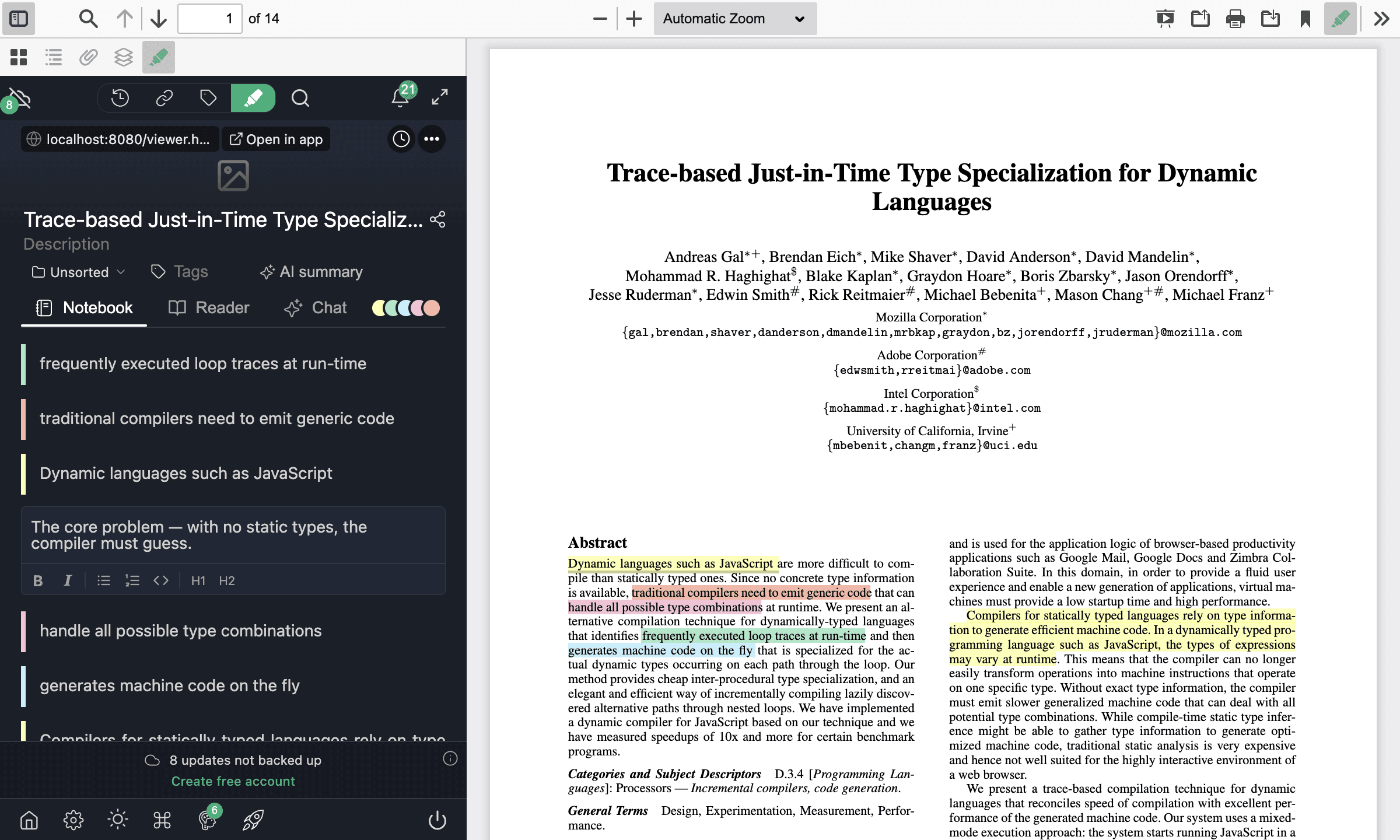
Select any text and a little color picker appears. Click a color, and that line lights up. Everything saves as you go, and each highlight lands in the sidebar on the left.
The colors aren't just for looks — they're how you find things again later. The system I use:
- Yellow — the key points
- Red — questions, and anything to double-check
- Green — definitions and terms worth keeping
Want to add a thought? Click a highlight and type a note. It stays pinned to that exact line, so when you come back weeks later you still know what you meant.
The PDF highlighter is free, no sign-up
The tool is properly free, and you can highlight a whole PDF without ever making an account. Since there's no account, your file is treated as temporary — it's kept for 1 hour, then deleted, highlights and all.
Want to hold on to it? Create a free account from the banner in the viewer, and your PDF plus every highlight stick around for good. Syncing them across your devices is free for your first 7 days, so you can start on your laptop and pick up on your phone. And because this is a web page, not an extension, it runs in any modern browser: Chrome, Edge, Firefox, even Safari.
Download or print your PDF with the highlights
A lot of online highlighters trap your work — you mark up the PDF, but you can't get the marked-up file back out. This one gives it back. Hit Download and you get the real PDF, your highlights saved as proper annotations: same colors, with your notes attached as comments. Open it in Adobe Acrobat, macOS Preview, or Microsoft Edge and they're all there, still editable, with the text underneath still selectable.
Need it on paper? Print keeps the colors on the page. The download & print guide walks through both.
Already highlighted it in Acrobat? Import it
Got a PDF that already has highlights — from Acrobat, Preview, or anything that writes standard PDF annotations? The viewer spots them and offers to pull them in. One click and they turn into real, editable highlights, colors and notes intact, no retyping. The import guide has the specifics.
Want it on every PDF? Add the free extension
The online tool is the quickest way to mark up one PDF without installing anything. If PDFs are your daily reading, the free Web Highlights extension goes further: it highlights any PDF — or any web page — right where you open it, no upload step, and everything saves and syncs on its own, with tags, search, and a flashcard-style learning mode on top. The online tool is the test drive; the extension is the full thing.
Final thoughts
That's the whole idea: highlighting a PDF shouldn't cost you a download, an account, or ten minutes of setup. Open the free PDF highlighter , drop in a file, and mark it up. If you find yourself using it a lot, the PDF highlighter docs go through everything the viewer can do.
I'm always happy to answer questions, and I'm open to criticism — reach out any time 😊
Get in touch via LinkedIn or follow me on Twitter .
FAQ
How do I highlight a PDF online for free?
Open the free online PDF highlighter , drop in your PDF, select any text, and pick a color. That's it — no download, no account. From there you can download or print the PDF with your highlights, all in the browser.
Is the PDF highlighter really free?
Yes — you can open a PDF and highlight it without paying or signing up. A free account is optional. It's what you make when you want to keep a file past the 1-hour window and have your highlights sync across devices.
Do I need to install anything?
Nope. The online PDF highlighter is just a web page — no download, no extension, no software. Open it, drop in a PDF, and start highlighting.
Which browsers does it work in?
Any modern one — Chrome, Edge, Firefox, Safari. That's the nice thing about a browser tool over an extension: there's nothing to install for it to work.
Can I download the PDF with my highlights?
Yes. Download hands you the PDF with your highlights as standard annotations — colors and notes included — that open in Acrobat, Preview, Edge, and the rest. You can print it with the colors intact too. The download & print guide has the details.
What about scanned PDFs?
Honest answer: no. A scanned PDF is really just a photo of a page, so there's no selectable text to highlight. Run it through an OCR tool first to add a text layer, and then it behaves like any other PDF.