Hooks & Effects
Effects are where React meets the outside world — timers, subscriptions, fetches, the DOM itself — and the dependency array is where most production React bugs are born. This deck makes the useEffect contract precise: when each dependency-array shape runs, why cleanup functions exist, and what StrictMode's double-invoke is trying to tell you. Around it sit the rest of the daily toolbox: useRef for values that persist without re-rendering, useMemo and useCallback for identity, and custom hooks for packaging it all up.
Practice this set for free — no account needed. Loads 14 flashcards into the learner.
Practice in the free learnerHow to study this set
For every effect card, answer three questions: when does it run, when does it clean up, and what breaks if a dependency is missing? Saying all three out loud is the drill. The useMemo vs useCallback distinction is easiest as a slogan — memoize the value vs memoize the function — repeat it until it is boring.
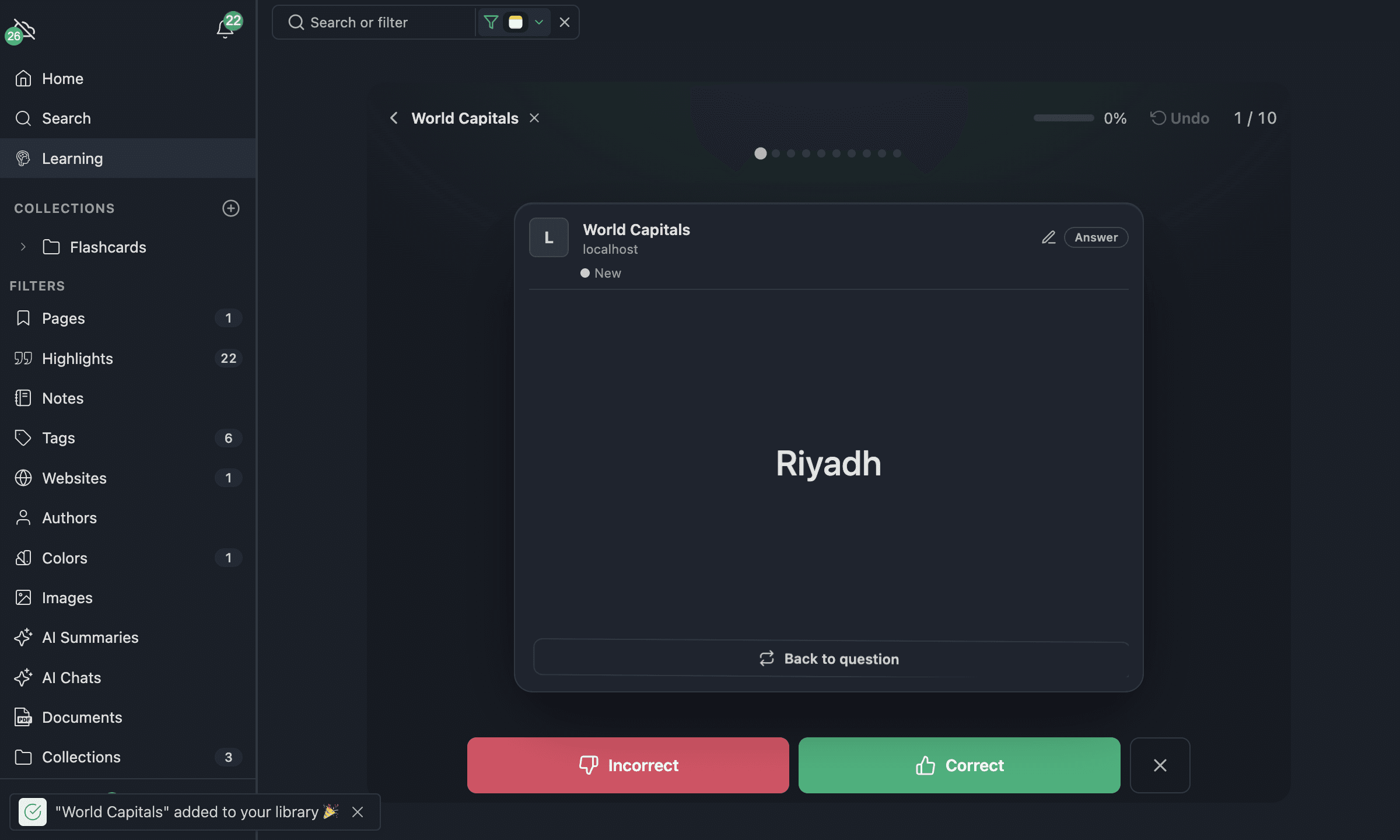
All 14 flashcards
What is useEffect for?
Running side effects after render — data fetching, subscriptions, timers, or manually syncing with the DOM — things that must not happen during rendering.
When does each variant run?
useEffect(fn);
useEffect(fn, []);
useEffect(fn, [a, b]);
No array: after every render. Empty array: once after mount. [a, b]: after mount and whenever a or b changes.
What is the cleanup function of an effect, and when does it run?
The function returned from the effect. React calls it before the effect re-runs and on unmount — the place to clear timers and unsubscribe.
What is missing here — and what breaks without it?
useEffect(() => {
  const id = setInterval(tick, 1000);
}, []);
The cleanup: return () => clearInterval(id);. Without it the interval keeps firing after unmount — a memory leak and setState-on-unmounted warnings.
What are the two Rules of Hooks?
Call hooks only at the top level (never in conditions or loops), and only from React function components or custom hooks — React relies on a stable call order to match state to hooks.
What is useRef for?
A mutable box (ref.current) that persists across renders WITHOUT causing re-renders when it changes — and the way to hold a reference to a DOM node.
The button is clicked three times. What does the component show?
const renders = useRef(0);
const [count, setCount] = useState(0);
renders.current++;
return (
  <button onClick={() => setCount(count + 1)}>
    {count} / {renders.current}
  </button>
);
3 / 4 — the ref counts every render (initial + three state updates) but changing it never triggers one; only setCount re-renders.
What does useMemo do — and when is it worth it?
It caches a computed VALUE until its dependencies change. Reach for it when the computation is expensive or the value's identity feeds a memoized child or an effect.
useMemo vs useCallback — what is the difference?
useMemo(fn, deps) memoizes the RESULT of calling fn; useCallback(fn, deps) memoizes the function itself — useCallback(fn, deps) equals useMemo(() => fn, deps).
What is the bug?
useEffect(() => {
  fetchResults(query).then(setResults);
}, []);
query is a missing dependency — the effect captures its first value forever, so later searches never re-fetch. Add [query] (and handle stale responses).
A fetch effect can resolve after the user has moved on. How do you avoid applying the stale result?
Track cancellation in the effect:
useEffect(() => {
  let ignore = false;
  load(id).then((data) => {
    if (!ignore) setData(data);
  });
  return () => {
    ignore = true;
  };
}, [id]);
What is a custom hook?
A plain function whose name starts with use and that calls other hooks — the unit of reuse for stateful logic (e.g. useWindowSize, useDebounce).
Why does StrictMode run effects (and renders) twice in development?
To surface impure renders and effects with missing cleanup — code that breaks under the double-invoke would also break in real remount scenarios.
When do you need useLayoutEffect instead of useEffect?
When the effect must measure or mutate the DOM BEFORE the browser paints (e.g. positioning a tooltip) — it runs synchronously after DOM updates, so use it sparingly.
What to learn next
With hooks and effects under control you are ready for level 5, "Advanced Patterns" — context, reducers, memoization traps, error boundaries and the server-component model that modern React apps are converging on.
Continue to Level 5: Advanced Patterns →