Components & Props
Components become powerful the moment they compose: a page is a tree of small parts wired together with props. This deck covers the data flow that makes that tree predictable — read-only props, the children slot, conditional rendering, and rendering lists with keys React can trust. The key cards matter more than they look: keys are the classic "worked fine until it didn't" bug and a favourite interview question for exactly that reason.
Practice this set for free — no account needed. Loads 14 flashcards into the learner.
Practice in the free learnerHow to study this set
For every code card, trace the data: which component owns the value, and which merely receives it? If you can answer that, props never feel magic again. When you hit the key cards, recall a list you have built and ask what would happen to its input state if the array were re-sorted — concrete stakes make the rule stick.
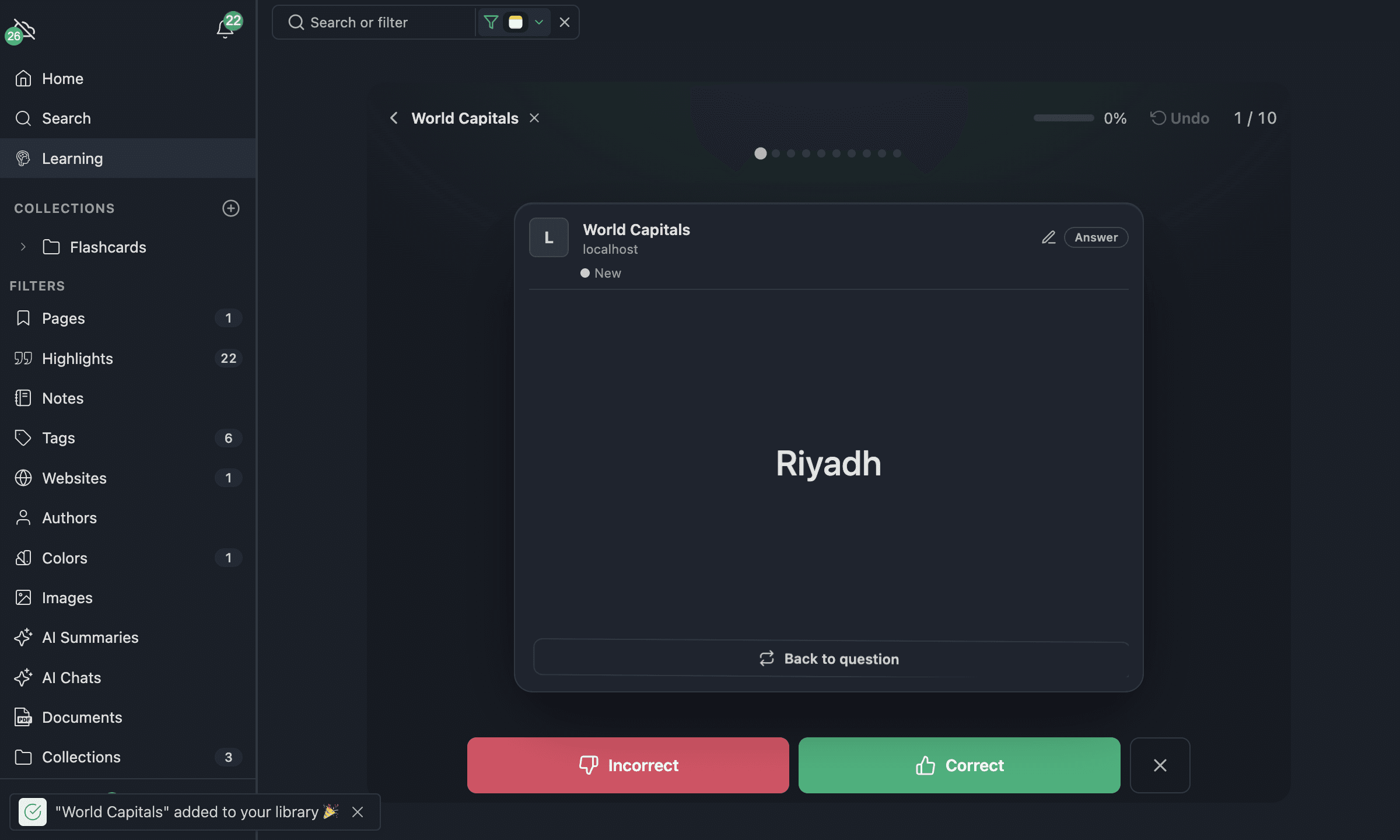
All 14 flashcards
What are props in React?
The read-only inputs a parent passes to a child component — like function arguments for UI.
What does this render?
function Badge({ label }) {
  return <span className="badge">{label}</span>;
}

<Badge label="New" />;
A <span> with the class "badge" containing the text "New".
Can a component modify the props it receives?
No — props are read-only. If a value needs to change, the component that owns it must change it (usually via state) and pass the new value down.
What is props.children?
Whatever you place between a component's opening and closing tags — it lets a component act as a wrapper around arbitrary content.
What does this render?
function Card({ children }) {
  return <div className="card">{children}</div>;
}

<Card>
  <h2>Title</h2>
</Card>;
A <div className="card"> wrapping the <h2>Title</h2> passed as children.
What renders when isAdmin is false?
{isAdmin && <AdminPanel />}Nothing — && short-circuits, so the <AdminPanel /> element is never created.
What renders while isLoading is true?
return isLoading ? <Spinner /> : <Results items={items} />;The <Spinner /> — a ternary picks one of the two branches.
What does returning null from a component do?
It renders nothing — a valid way to hide a component entirely.
How do you render a list in React?
const items = ['a', 'b', 'c'];Map the array to elements and give each a stable key:
{items.map((item) => (
  <li key={item}>{item}</li>
))}
Why does React need a key on list items?
Keys give each item a stable identity across renders, so React can match old and new items instead of re-creating (or mis-matching) them.
Why is the array index usually a bad key?
When items are inserted, removed or re-sorted, the indices shift — React then reuses the wrong DOM and component state for the wrong item.
How do you give a prop a default value with destructuring?
function Avatar({ size = 'medium' }) {
  return <img className={`avatar-${size}`} />;
}
When size is not passed, it falls back to "medium".
How does a child tell its parent something happened?
The parent passes a callback function as a prop (e.g. onSelect), and the child calls it — data flows down, events flow up.
What does <Input {...props} /> do?
It spreads every key of the props object onto <Input> as individual props — handy for wrapper components that forward everything.
What to learn next
Once composition and keys feel routine, continue to level 3, "State & Events" — where components stop being read-only and you meet useState, controlled inputs, and the stale-closure bug every React developer hits once.