How to Import Highlights from Diigo into Web Highlights
Diigo is a popular browser extension with over 300k users. Here's a quick guide on how to import all your annotations and notes from Diigo into Web Highlights.
导出 Chrome 书签、把高亮发到 Notion 或 Capacities、用 Markdown 导出让 Obsidian 保持同步,再把 Weava、Diigo 里的旧资料搬过来——都能落进一个地方。Web Highlights 是你做 PDF 和网页研究的采集层,然后你可以把结构化笔记接进你已经在用的知识管理工具(包括 Kindle 到 Notion 的工作流),走原生导出路径,不用再没完没了地复制粘贴。
Diigo is a popular browser extension with over 300k users. Here's a quick guide on how to import all your annotations and notes from Diigo into Web Highlights.

Learn how to export bookmarks from Chrome, Firefox, Edge & Safari. Restore them in any browser or import into Web Highlights — your bookmark manager.
Pocket shuts down in July 2025. Learn how to export your Pocket saves & annotations and import them into Web Highlights—the best Pocket alternative.
Discover why Web Highlights is the top Weava alternative in this detailed review, offering a secure and customizable annotation tool customized to your needs.

Weava is a popular Chrome extension with over 300k users. Here's a quick guide on how to import all your annotations and notes from Weava into Web Highlights.
In this article, I will show you how you can seamlessly connect Web Highlights to Notion and export pages and highlights directly to your workspace.

Learn how to export your research data to Capacities using Web Highlights. Follow our step-by-step guide to improve your workflow and productivity.

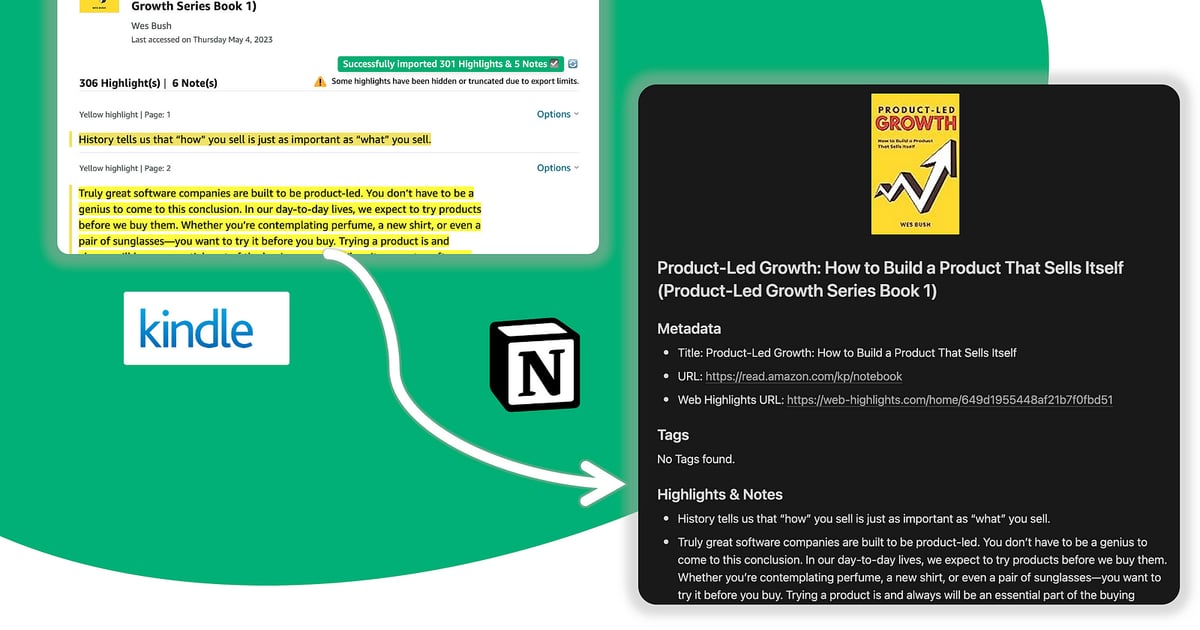
Export your Kindle highlights to any external tool that supports the markup language using the PDF & Web Highlighter Chrome Extension

Web Highlights allows us to easily copy all highlights with all necessary metadata and information into, e.g., Notion or Obsidian.

A central organized tool helps to structure your research. Export highlights & notes to Notion using the Web Highlights Chrome Extension.