Highlight your first sentence
Select the sentence with the dotted line, then click a color.Or press AltS.
Pin Web Highlights to your toolbar
Click the puzzle icon at the top right of your browser, then the pin next to Web Highlights.
Open your dashboard
In your sidebar, click at the top right. Your dashboard opens right on this page.
Turn on the quick highlighter
Turn on the quick highlighter — the highlighter at the top of your sidebar, or AltQ — then select the first dotted line.
Add a note
Click one of your highlights and write a few words in its note field — or add the note from your sidebar.
Tag it
Click a highlight, type a tag — try ideas — and pick it from the list.
Reload the page
Press F5. Your highlights, your note and your tag come back right here.
You’re all set 🎉
Highlight anything you read. Your highlights stay.
What you can do now
Want the pro moves?
Five short steps on this page — the same way you just learned the basics.
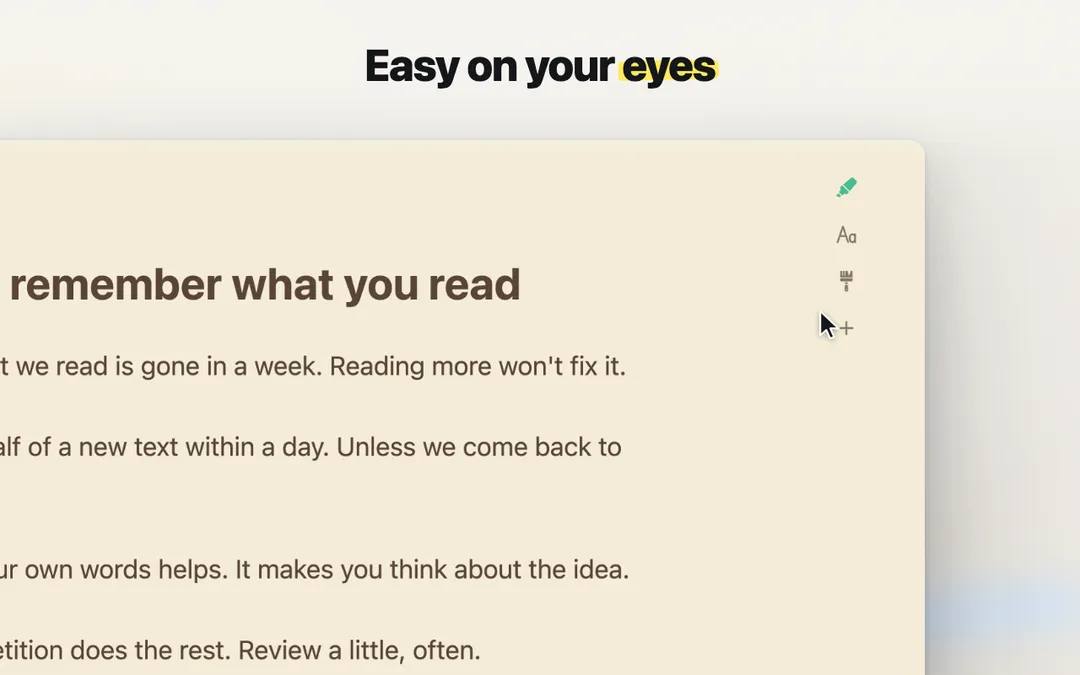 1. Reader viewAny page without ads and pop-ups.
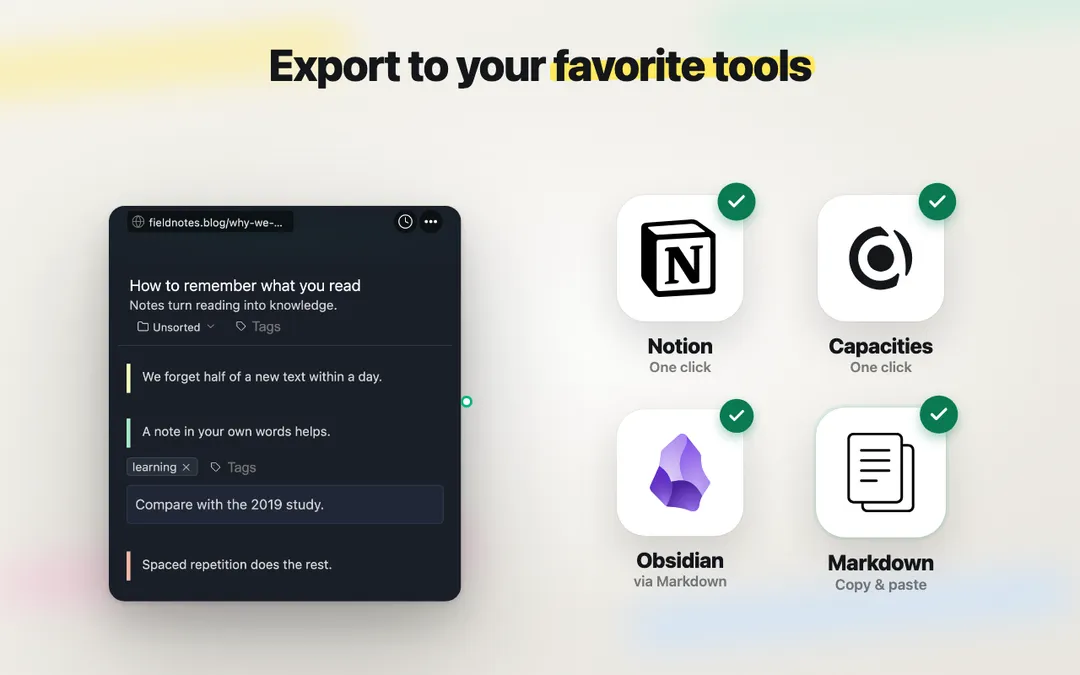 2. ExportSend highlights to Notion, Capacities or Markdown.
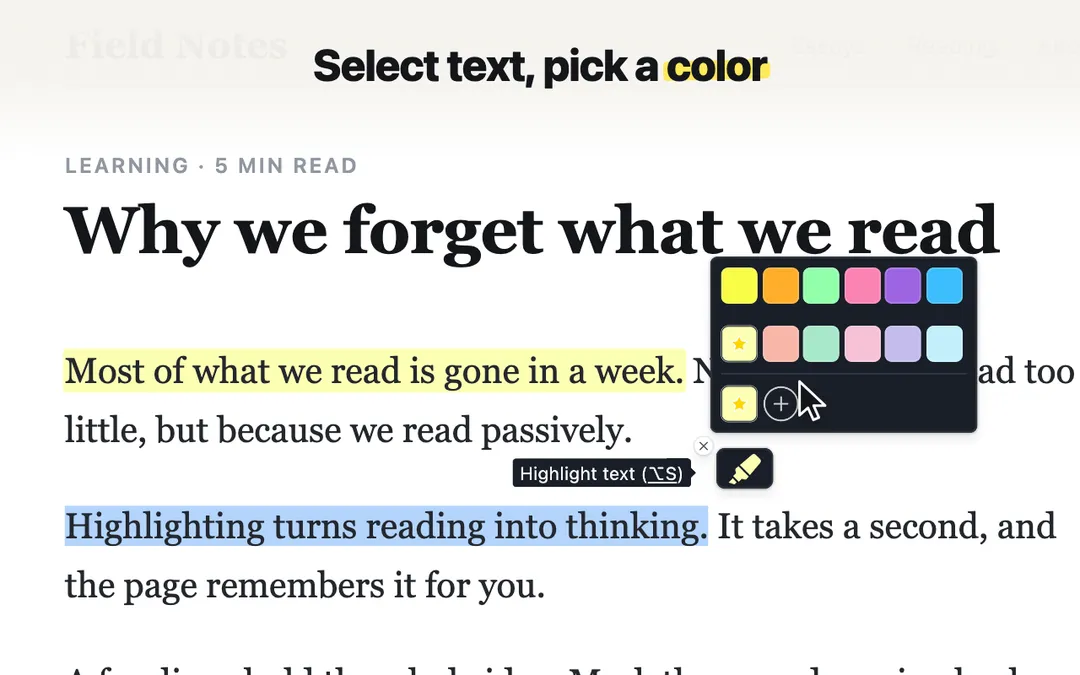 3. PDFsHighlight any PDF — local files too.
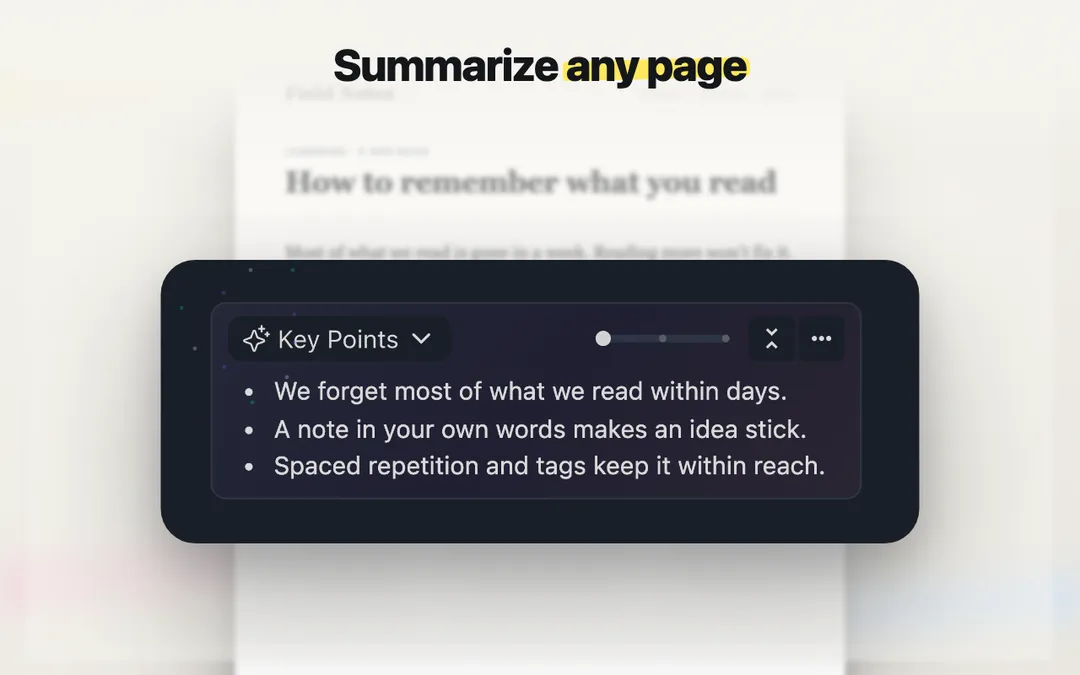 4. AI summariesThe key points of a page, on your device.
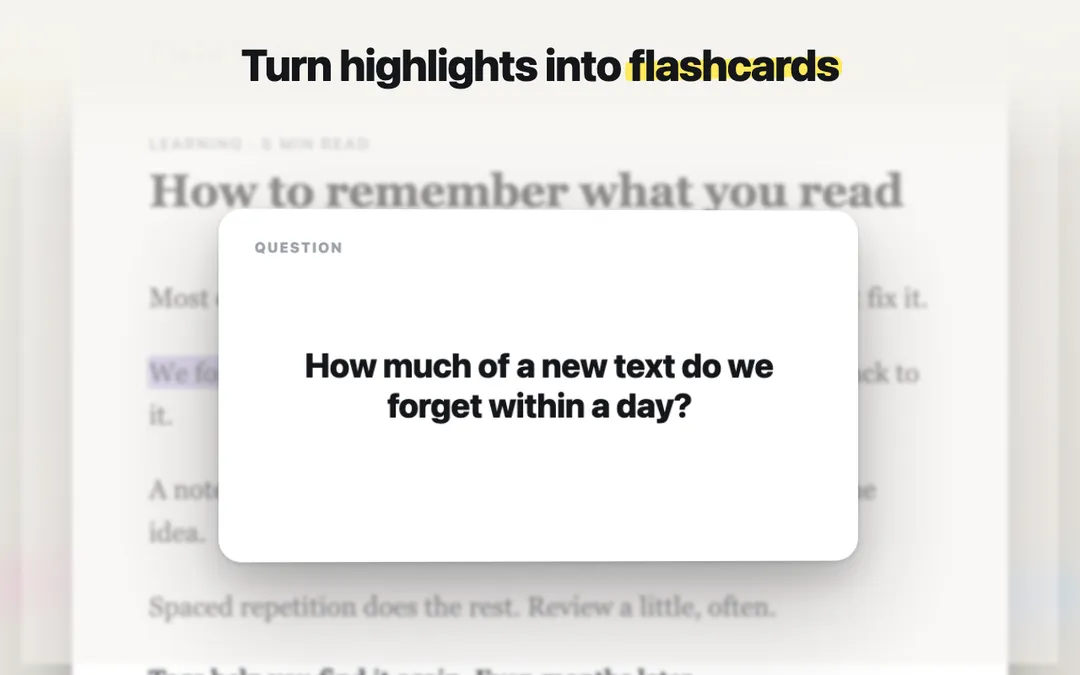 5. FlashcardsTurn highlights into a review that sticks.

Questions? I’m Marius, I built Web Highlights and I read every message.